Latest Updates - June 2025
· Andreas Schindler, CEO | dnl.ai
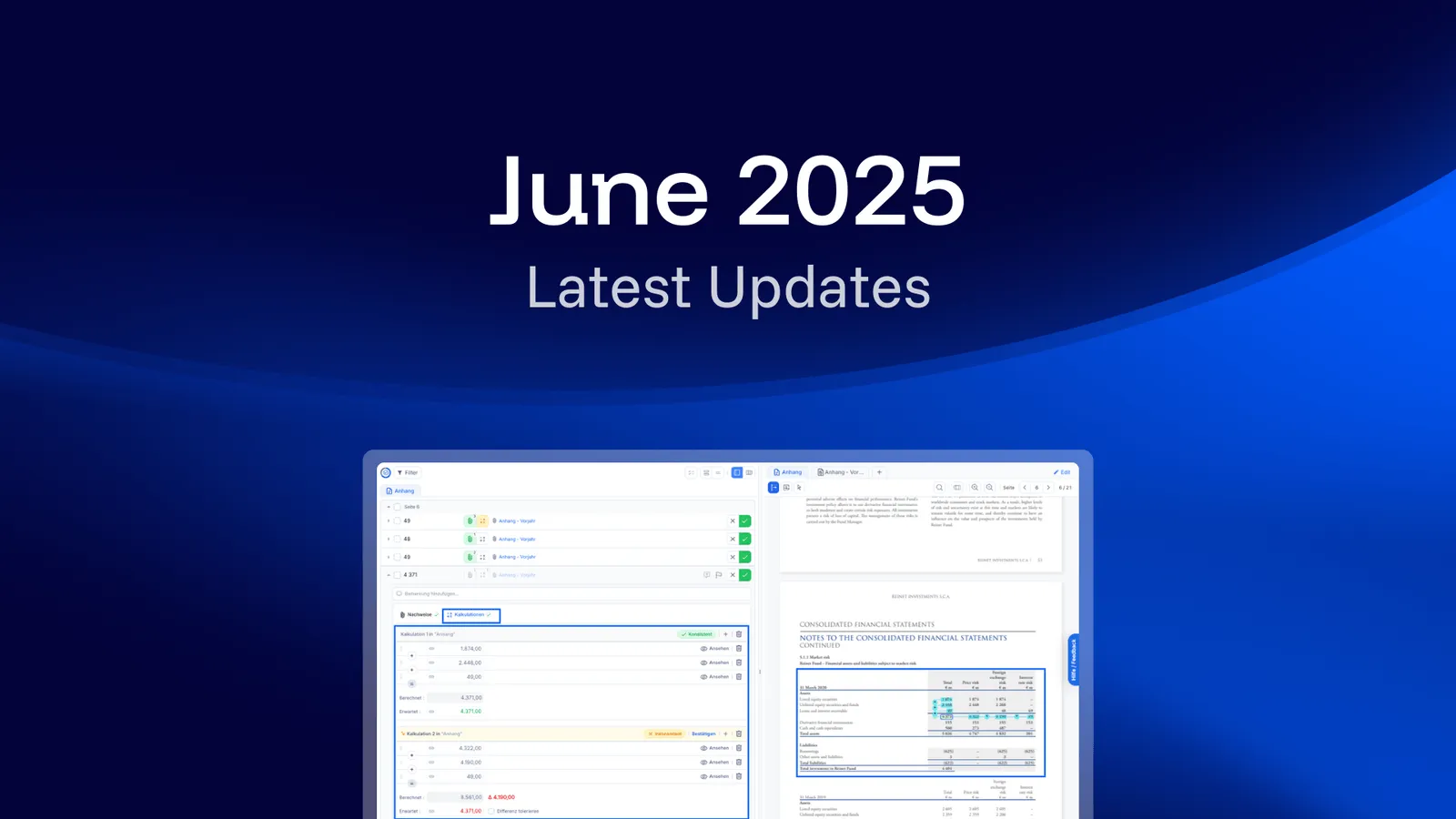
The June 2025 release adds two features to Notes Auditor: AI-powered validation of calculations, and a Dual Document Mode that shows two documents side by side. Both make work across several documents more automated and more structured — from verifying calculations with AI to reviewing documents next to each other.
AI-Powered Validation of Calculations
You can now validate calculations directly in Notes Auditor. The system automatically detects and verifies numerical data in your documents. If parts of a calculation change in a new version, the AI recalculates and checks for consistency.
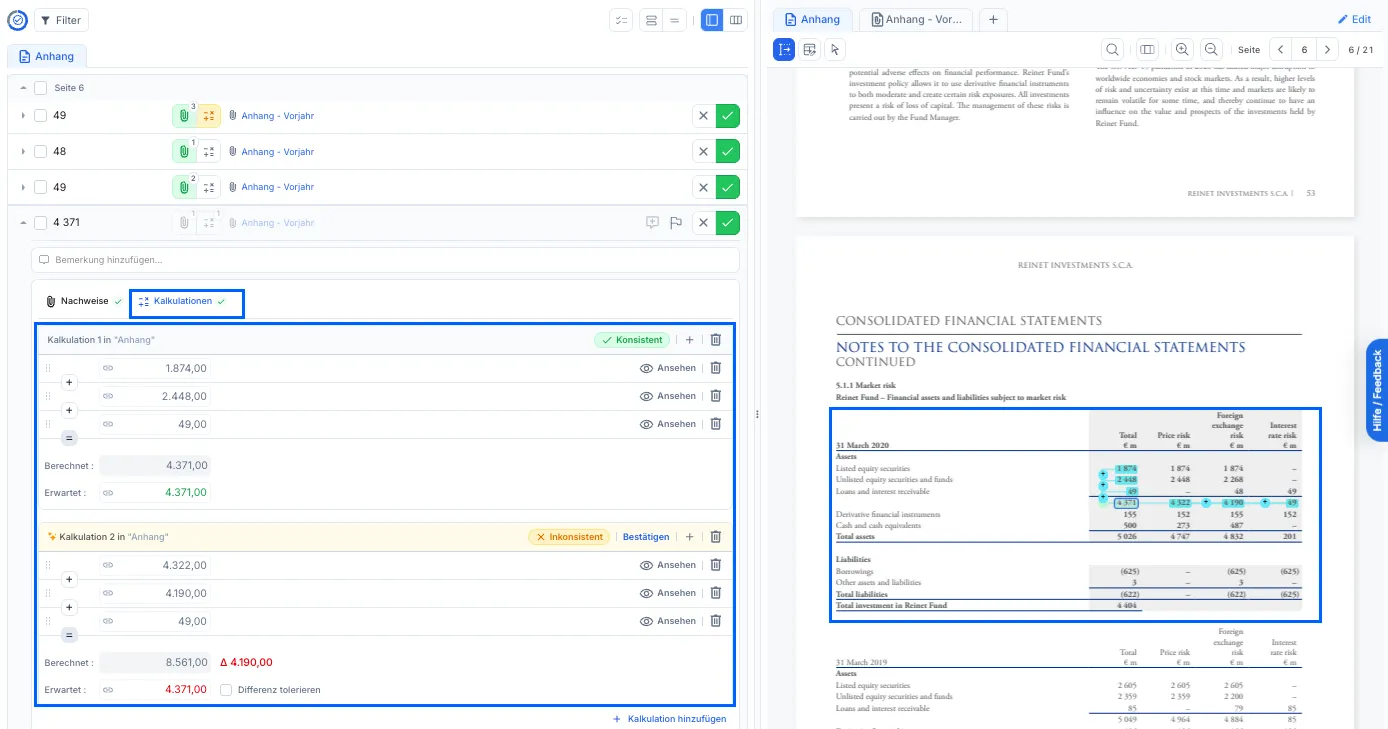
Each calculation carries its own verdict. In the example above the first sum of 1,874.00, 2,448.00 and 49.00 matches the expected 4,371.00 and is marked consistent; the second is flagged inconsistent because its calculated 8,561.00 differs from the expected 4,371.00 by 4,190.00. Every figure in a calculation stays linked to the page of the document it was read from, so the check can be traced back to the source.
Where a difference is intended rather than wrong, it can be accepted instead of corrected: the flagged calculation offers a tolerate-difference option next to the expected value, and further calculations can be added to the same item.
Dual Document Mode
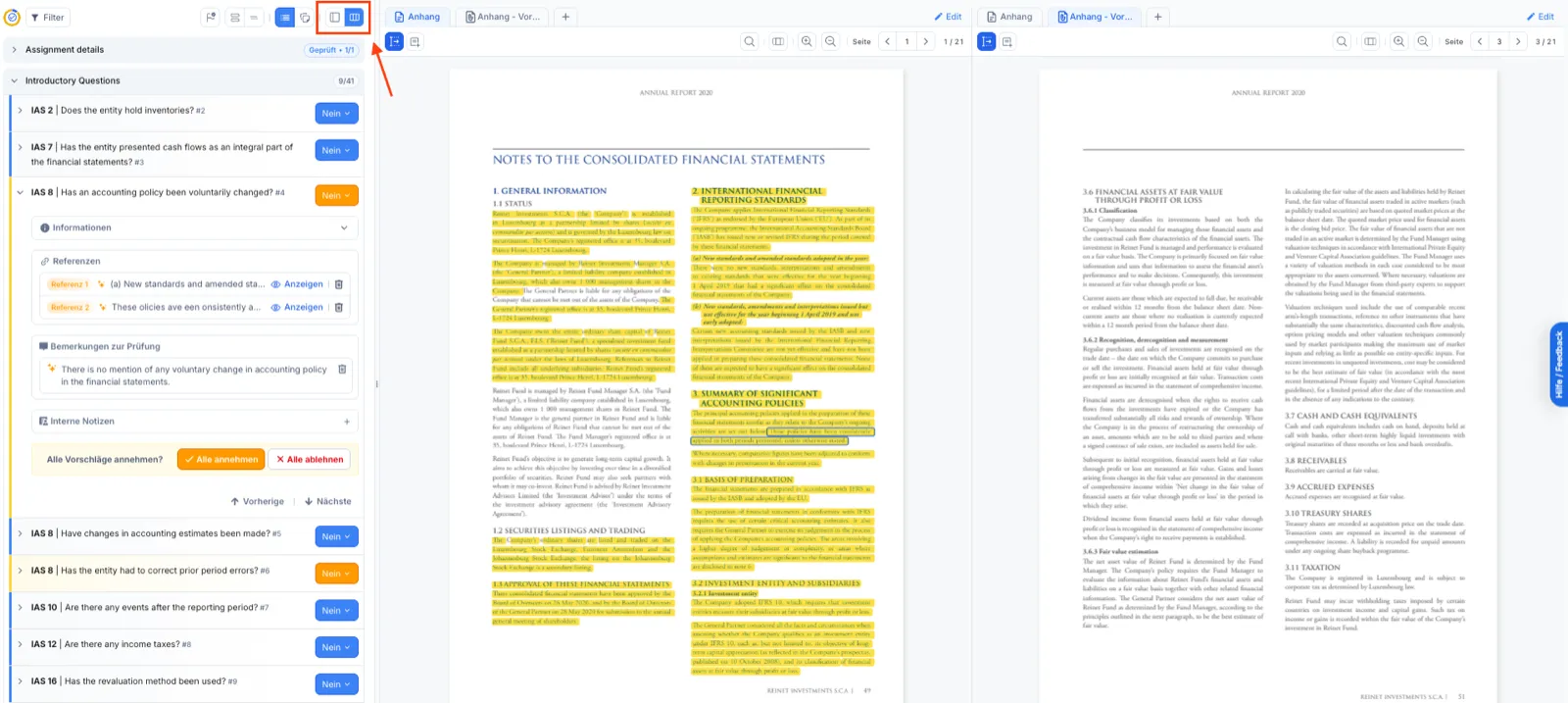
The new Dual Document Mode lets you view two documents side by side and compare audit content with external evidence. Switching between the single and the dual view is a toggle in the toolbar, so the reading layout can follow the task at hand. The checklist panel keeps its place while you read: the example below stands at 9 of 41 introductory questions, covering IAS 2, IAS 7, IAS 8, IAS 10, IAS 12 and IAS 16.
Which products does this release cover?
The release note is tagged for ai/checklist and ai/numbers. The other monthly release notes are collected in the resource center.