Latest Updates - April 2026
· Andreas Schindler, CEO | dnl.ai
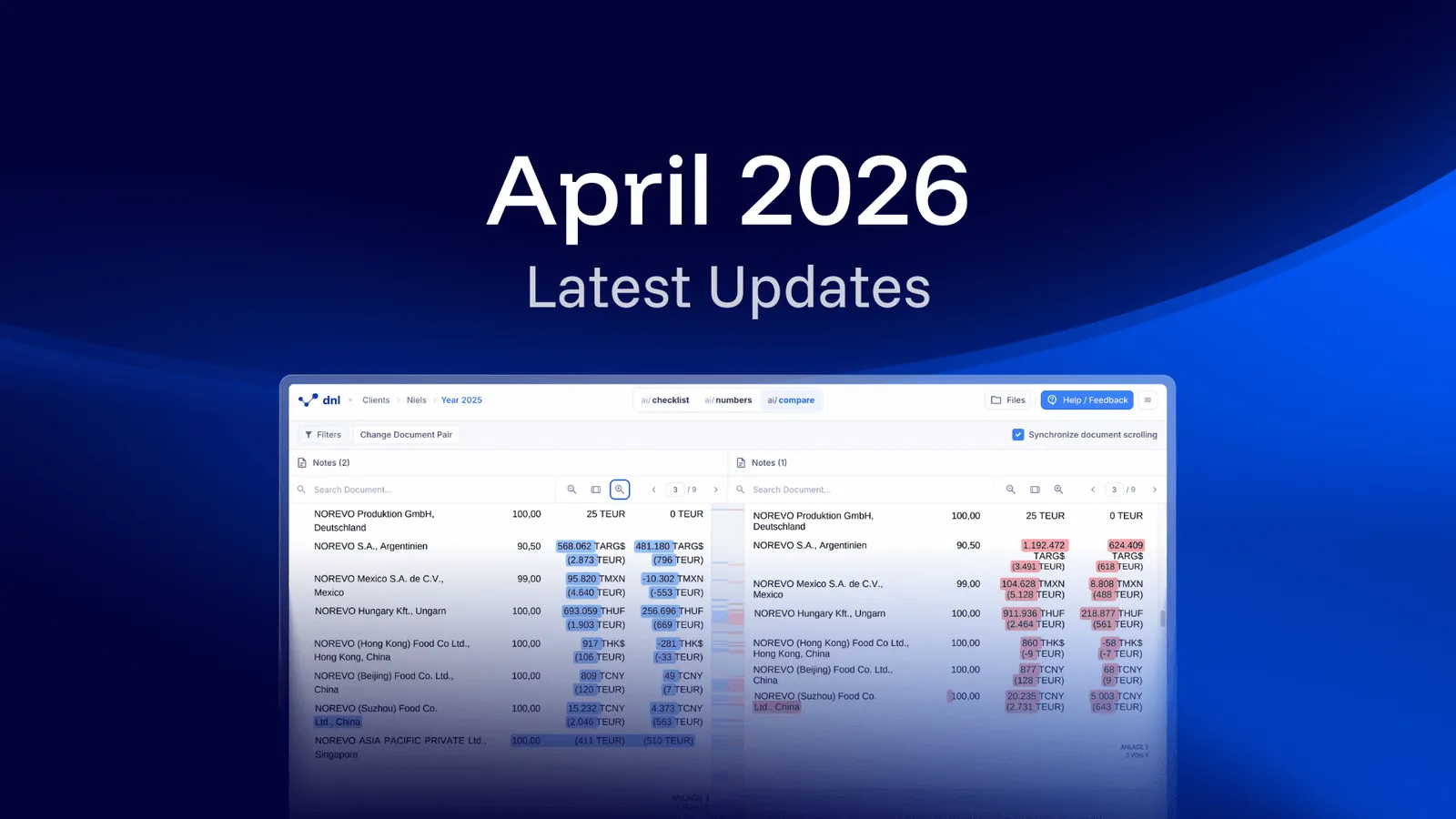
The April 2026 release covers three changes: ai/compare shows two document versions side by side with the differences highlighted, number validation now runs fully automated, and Spanish, French, Italian and Portuguese are available as working languages.
Improved Version Comparison with ai/compare
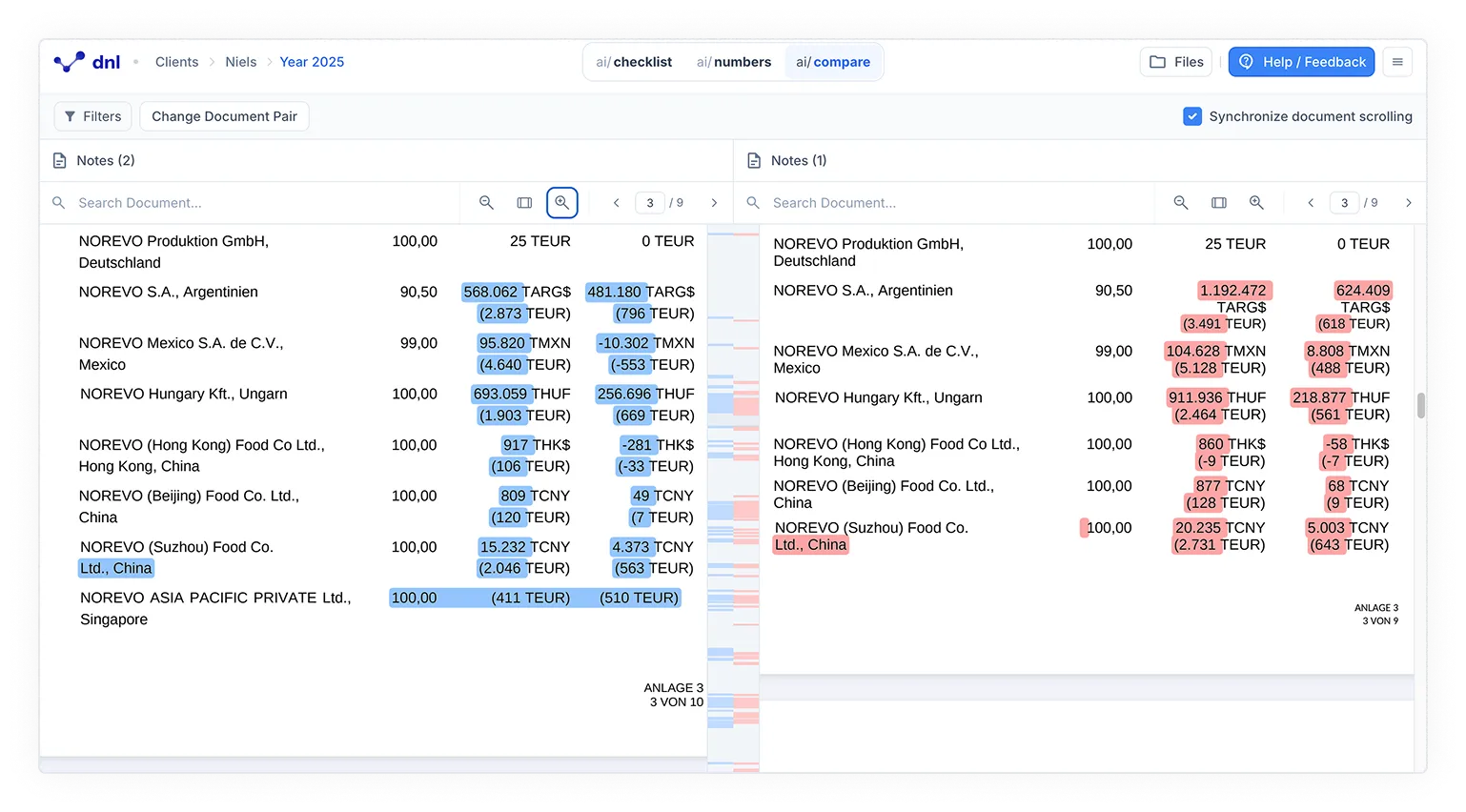
You can compare document versions side by side with ai/compare. Changes are highlighted clearly to support your review. New or updated content appears in blue, while removed content appears in red.
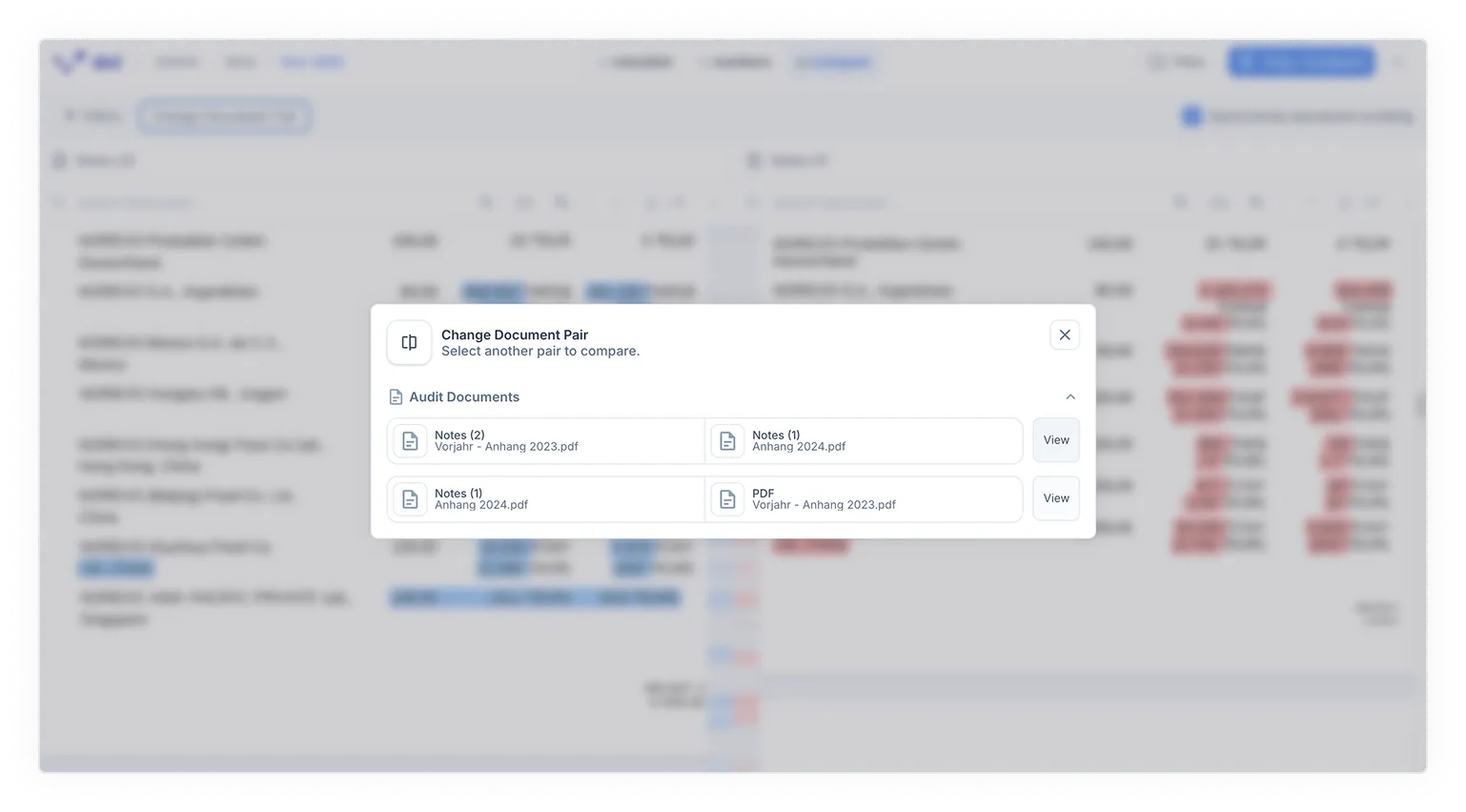
You can activate synchronized scrolling to move through both documents at the same time. This keeps context aligned and improves navigation. You can switch between document versions directly without interrupting your workflow.
Access the feature directly from the top bar under ai/compare, next to ai/checklist and ai/numbers. It becomes available once you upload a new version.
Fully automated number validation
Number validation is now fully automated. Previously proposed numbers are now validated directly by the AI, saving you thousands of clicks. This frees you to focus on tasks that require judgment. It saves time and creates greater certainty in the audit process.
More languages, Más idiomas, Plus de langues, Più lingue, Mais idiomas
You can now work in more languages. We added Spanish 🇪🇸, French 🇫🇷, Italian 🇮🇹, and Portuguese 🇵🇹 as available languages. This reduces friction in your daily work and supports collaboration across international teams.
Which products does this release cover?
The release note is tagged for ai/checklist and ai/numbers. Earlier monthly release notes are collected in the resource center.