Latest Updates - Juli 2025
· Andreas Schindler, CEO | dnl.ai
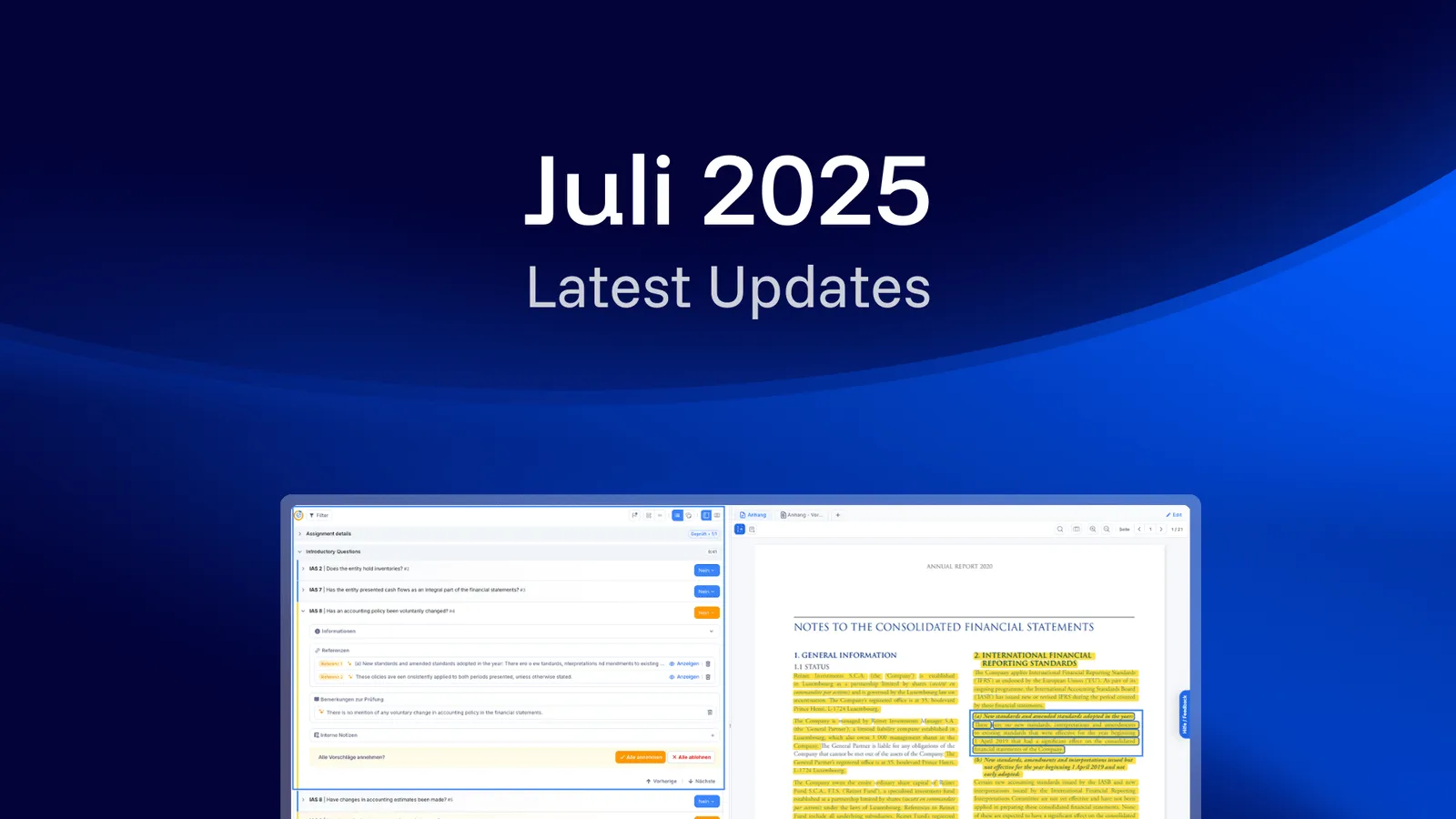
The July 2025 release covers three items: an OCR feature that makes non-machine-readable documents readable in Notes Auditor, a collective ZIP export for number audit files, and refined checklist navigation.
Smarter Auditing with Better Visibility, Fewer Clicks 🎯
We’ve implemented improvements to the numbers export, the checklist user experience and a new technical feature (OCR) to support more documents for your audit. These updates reduce manual effort and enhance the overall audit experience.
What’s New?
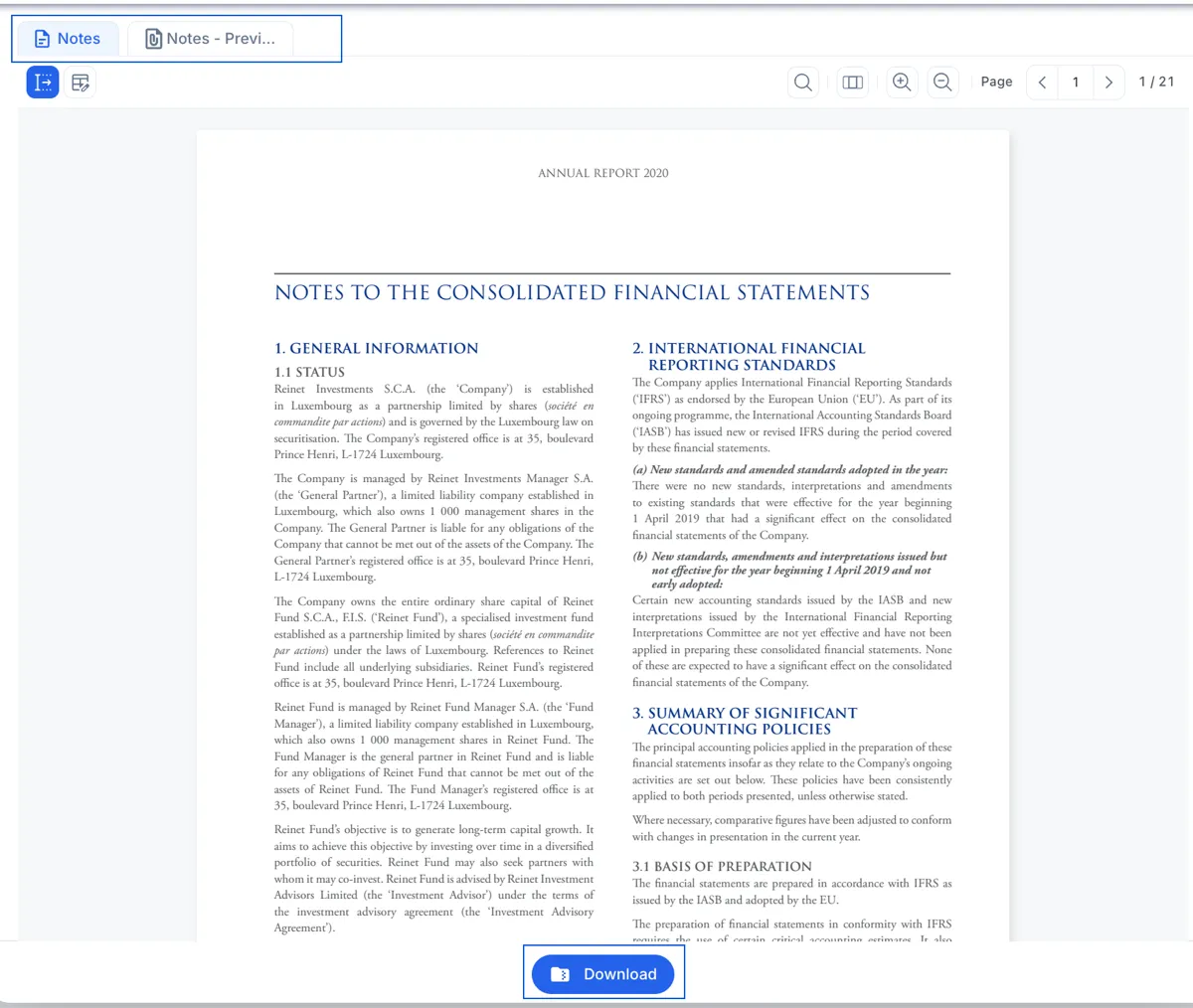
OCR feature for documents with embedded images
Non-machine-readable files and sections in files (like scanned PDFs) are now readable in Notes Auditor. This gives the AI full access to all text content, even if it is embedded in a screenshot, image or scan. You will also have the possibility to highlight text within those images in your document and include them in your audit.
Export number audit files collectively in one zip-folder
You can now export multiple number audit documents as a ZIP folder that includes all checked values and the associated supporting documents, making documentation complete in one step.
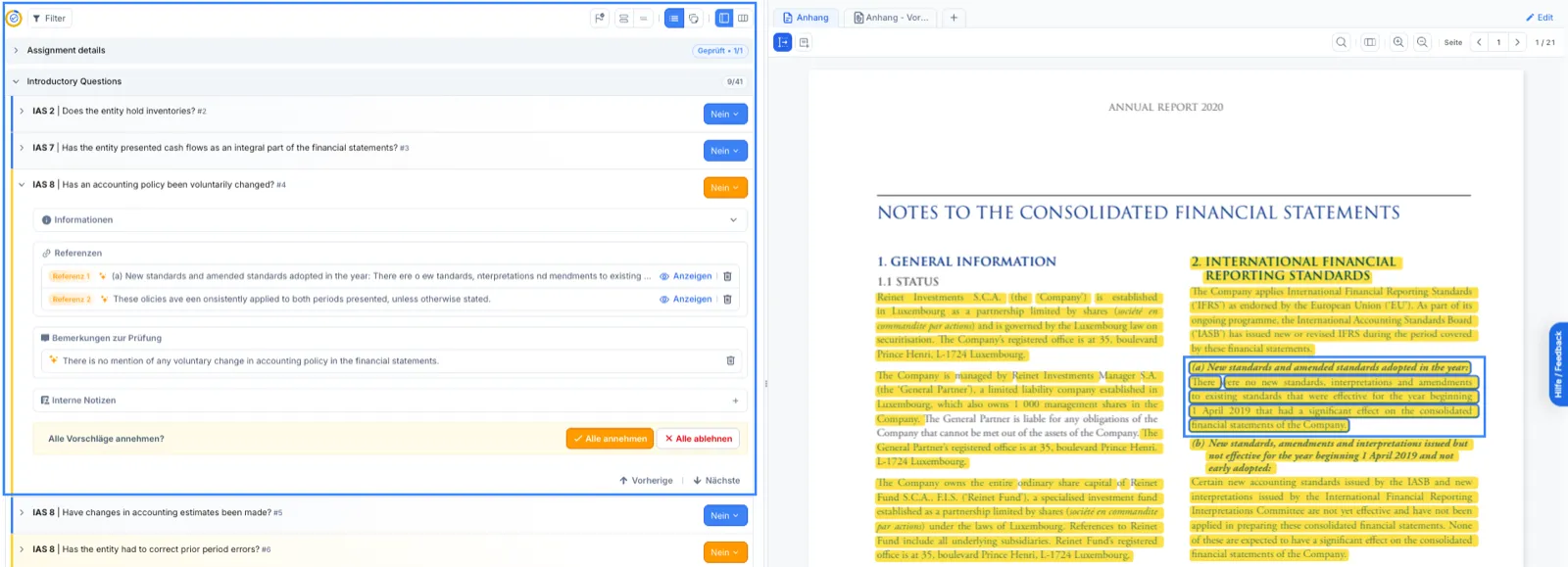
Refined Checklist Navigation
The checklist interface has been updated for faster, more intuitive handling. Enjoy a clearer layout, and smoother interactions.
Which products does this release cover?
The release note is tagged for ai/checklist and ai/numbers. Further monthly release notes are collected in the resource center.