Latest Updates - June 2026
· Andreas Schindler, CEO | dnl.ai
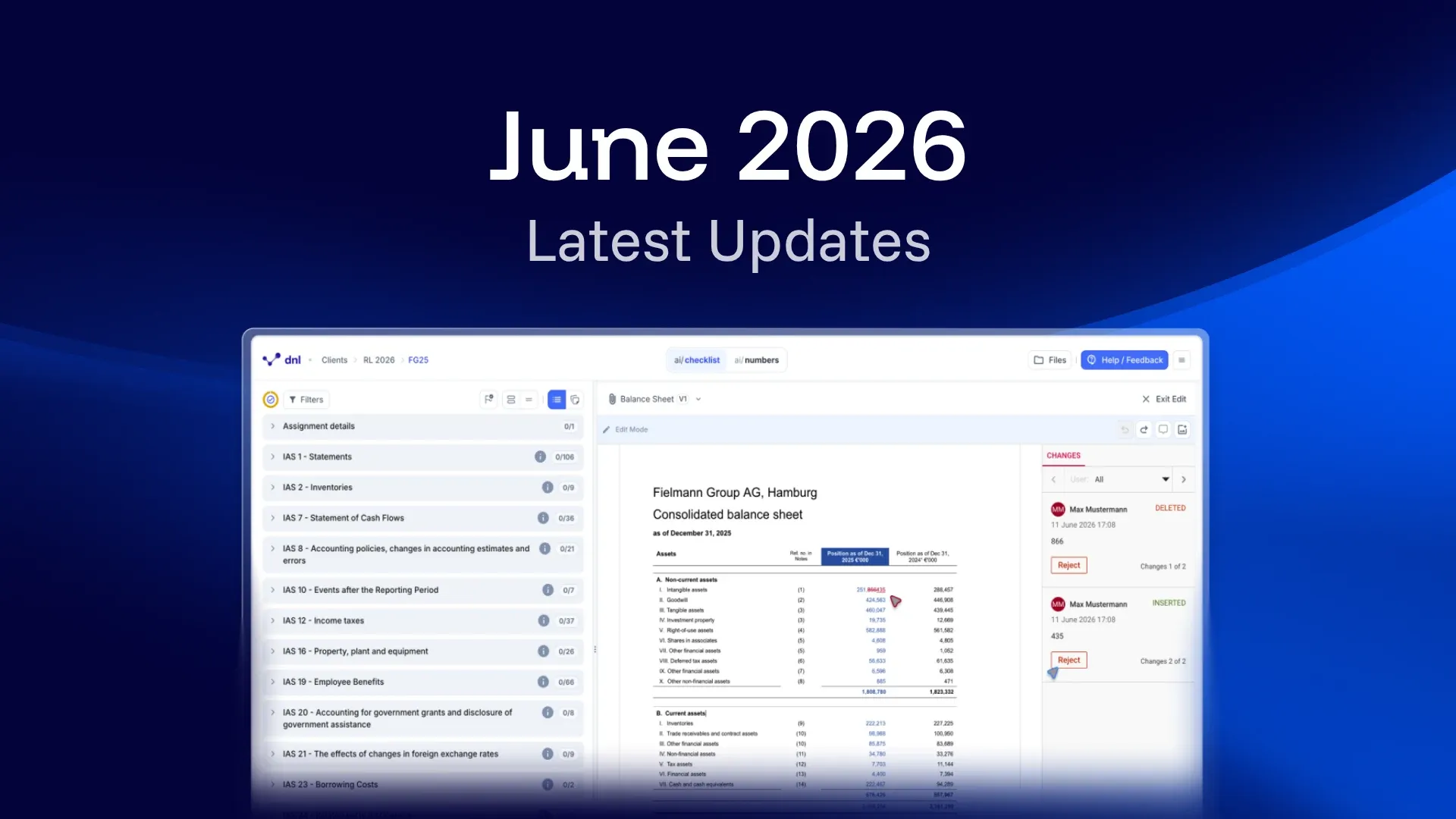
The June 2026 release covers four changes: edits to Word files now save automatically and sync between users in near real time, document labels carry a consistent file and version number, evidence detection in Excel files is more reliable, and an answer can be removed from a question again. Processing times across the platform improved by roughly 40 percent over the same period.
Auto-save and live sync for Word edit mode (ai/checklist & ai/numbers)
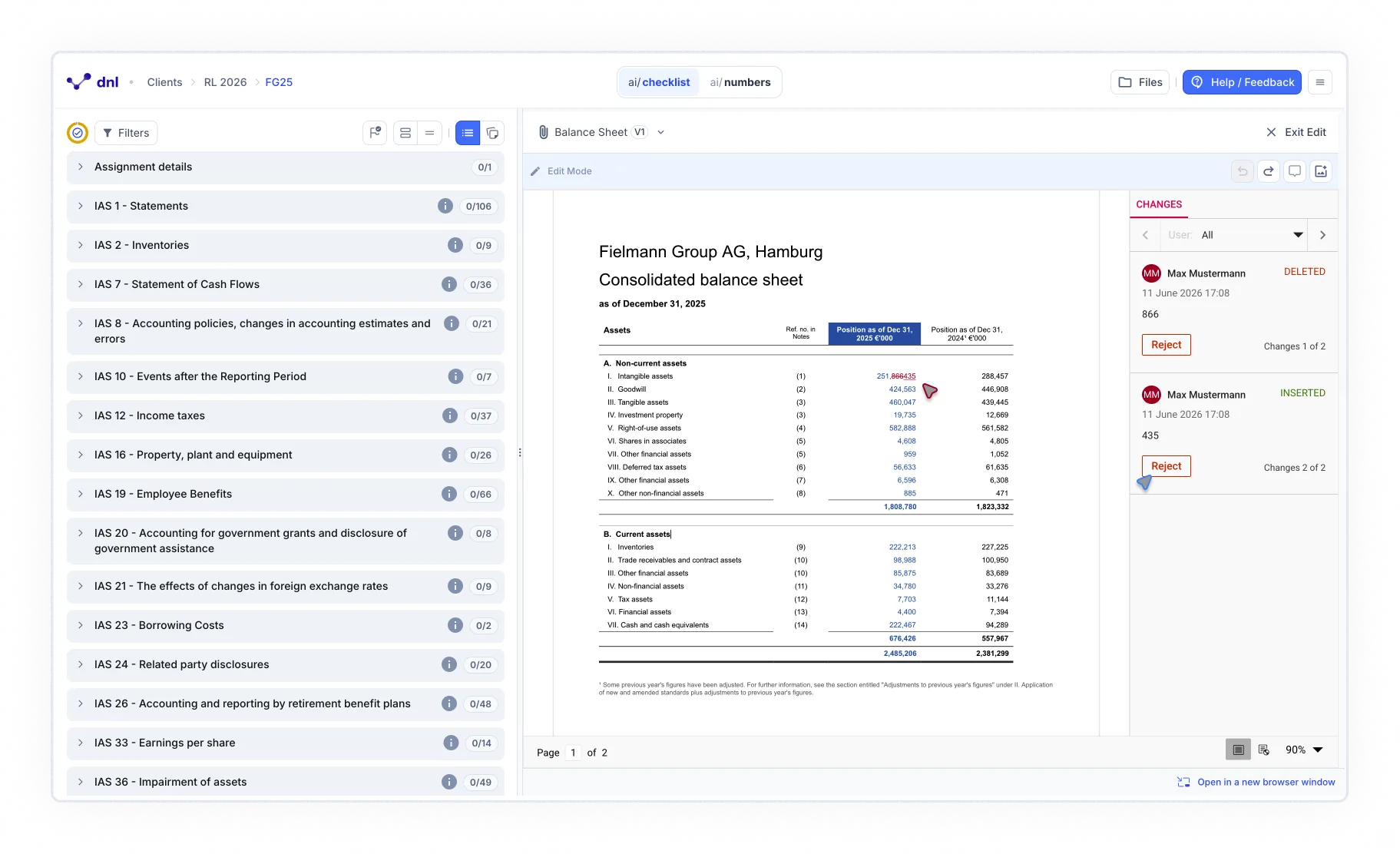
Your changes in Word edit mode now save automatically as you type. The “Save” button has thus been removed. Edits you make are synced to other users viewing or editing the same Word file in near real-time, without anyone needing to refresh.
When you leave edit mode, close the view, or navigate away, no save confirmation is needed and no work is lost.
This feature is being rolled out, you can expect to see it available in the coming days.
New File Display Naming Convention (ai/checklist & ai/numbers)
Document files now display a consistent version indicator at all times. The file label identifies the logical file group rather than each individual upload so when you upload a new version of the same file, the number stays the same and the version counter increments (for example, Notes (1) V2). A new file of the same type gets the next available number (Notes (2) V1).
This makes it straightforward to see which version is current and follow the upload history across documents, both in the Documents Selector and the File Manager.
Improved evidence detection in Excel files (ai/numbers)
Evidence detection in Excel files has been significantly improved. Relevant cells, ranges, and values are now identified more reliably across spreadsheet-heavy documents.
Remove an answer from a question (ai/checklist)
You can now remove your answer from an answered question. Selecting it reverts the question to unanswered while leaving all other work in place.
Over the past weeks we have been making major performance improvements to our platform. We are glad to announce that customers are already noticing a ~40% improvement to their processing times.
Which products does this release cover?
The release note is tagged for ai/checklist and ai/numbers. Earlier monthly release notes are collected in the resource center.