Latest Updates - March 2025
· Andreas Schindler, CEO | dnl.ai
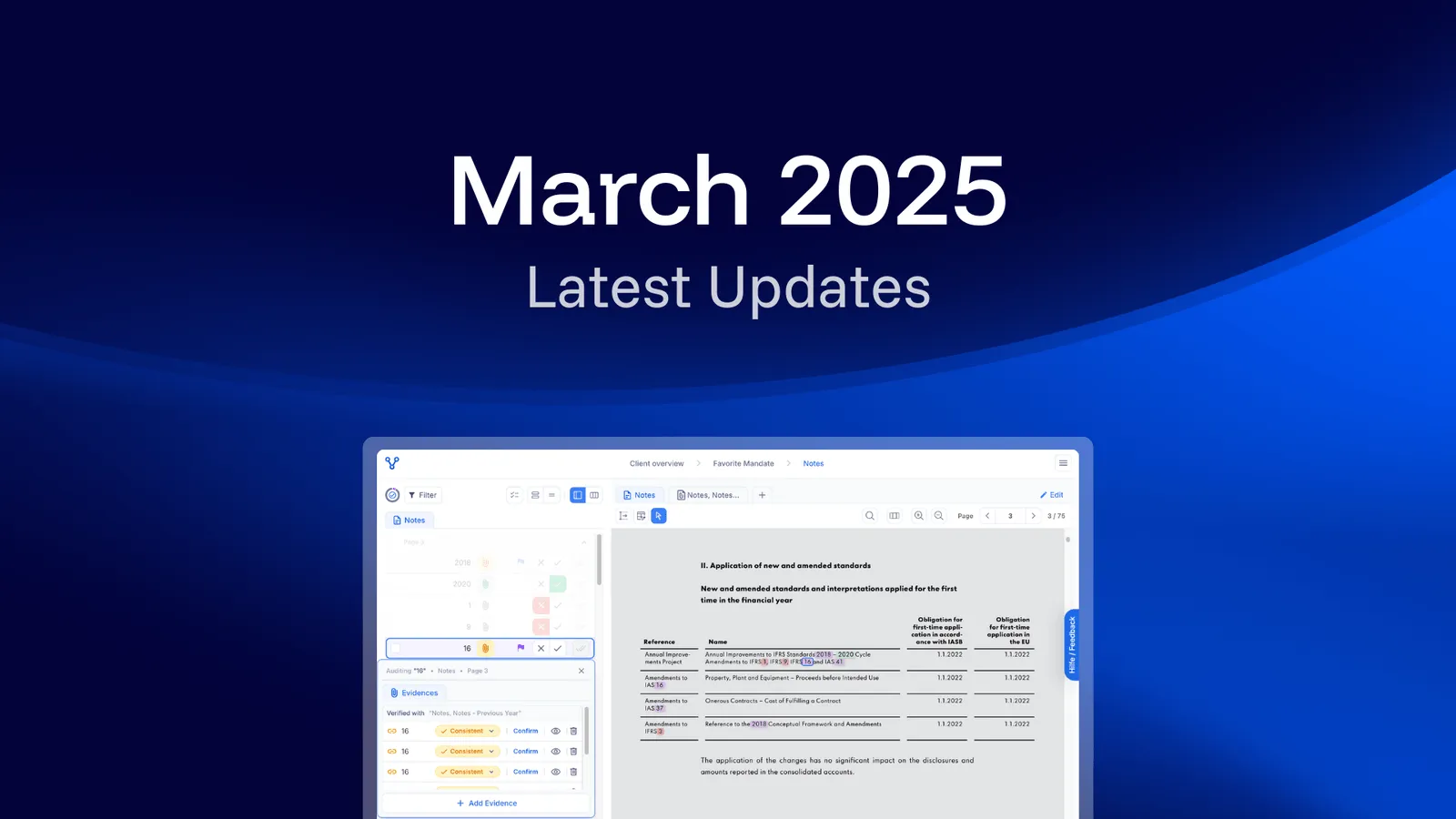
The March 2025 release covers four changes to the numerical audit workflow: wider automatic number recognition, a redesigned numerical audit interface, consistency checks against external evidence, and a dual document view that shows two documents side by side.
The Upgrade for your Numerical Audit Workflow
The latest update reshapes your numerical audit workflow – more automation, more clarity, and more control. Here are the major improvements:
What’s New?
Enhanced Number Recognition and Validation
The AI now detects and validates even more numbers automatically – including abbreviations like T€, M€, rounded figures, and tables. It suggests relevant audit evidence more precisely, linking it directly to the numbers.
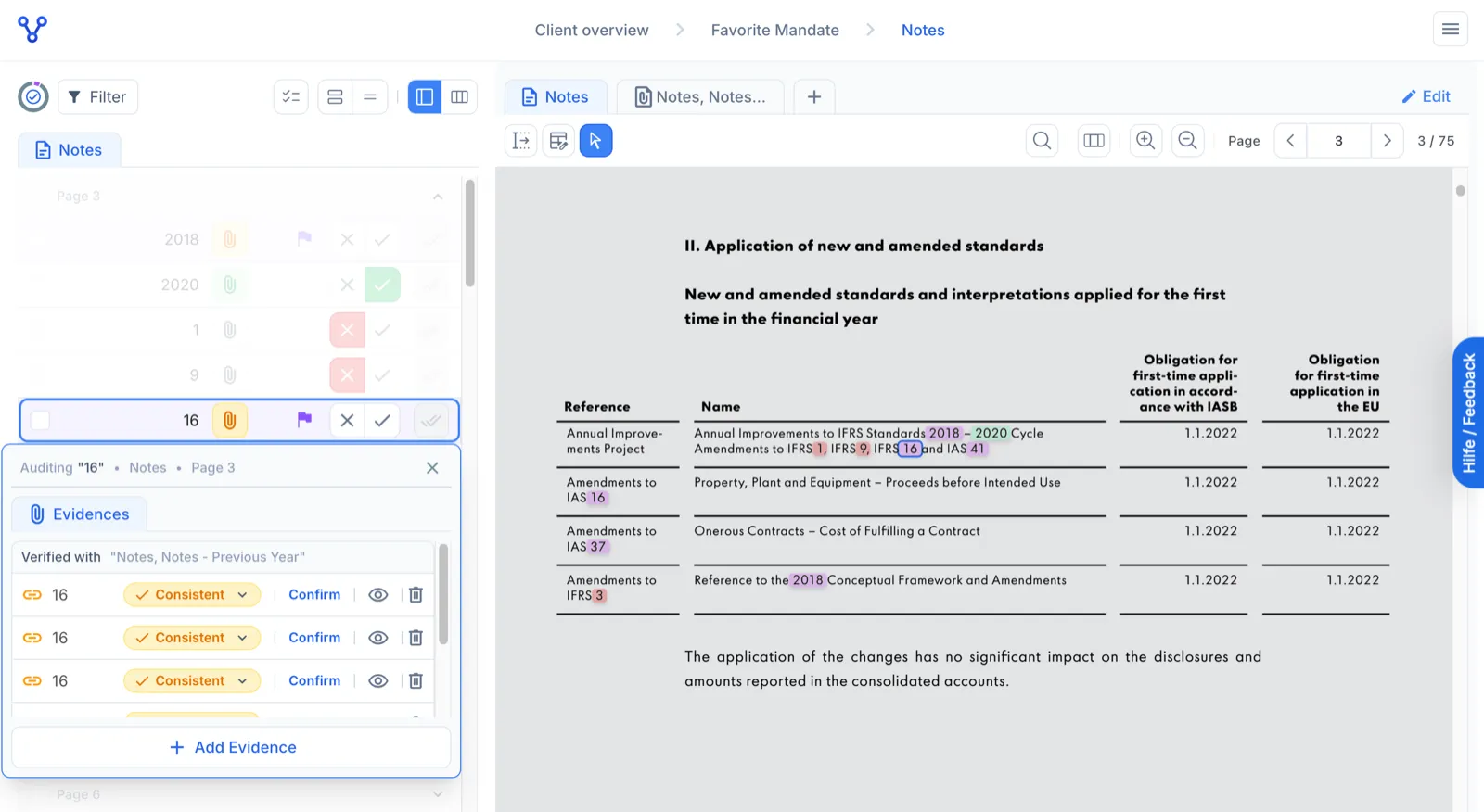
Redesigned user interface for the Numerical Audit
The Numerical Audit has been redesigned – including navigation bar, tabs, tables, focus modes, and evidence overlays – for simplifying your workflow.
Consistency checks with external evidence
You can now mark external evidence as consistent or inconsistent with reported figures. Inconsistencies can be highlighted to ensure transparency and data quality.
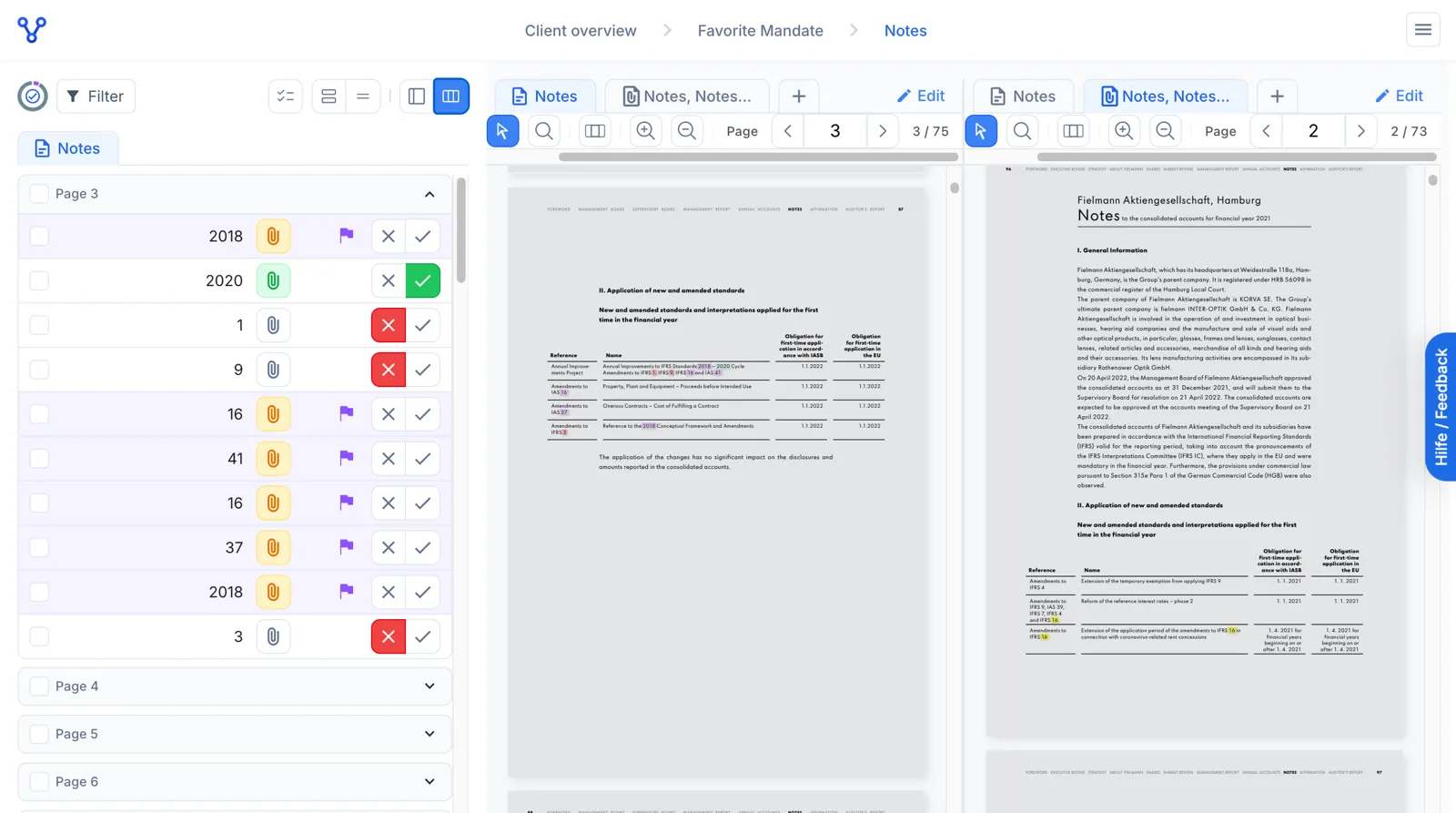
Dual Document View
Displaying two documents side by side is now possible with the new Dual Document View – ideal for comparing versions or cross-checking external evidence. Text and number differences are automatically highlighted to help you track revisions, evaluate changes, and ensure consistency across versions. Improved navigation and dedicated controls support a seamless switch between single and dual view modes.
These release notes apply to ai/checklist and ai/numbers. Earlier and later monthly release notes are collected in the resource center.