Latest Updates - March 2026
· Andreas Schindler, CEO | dnl.ai
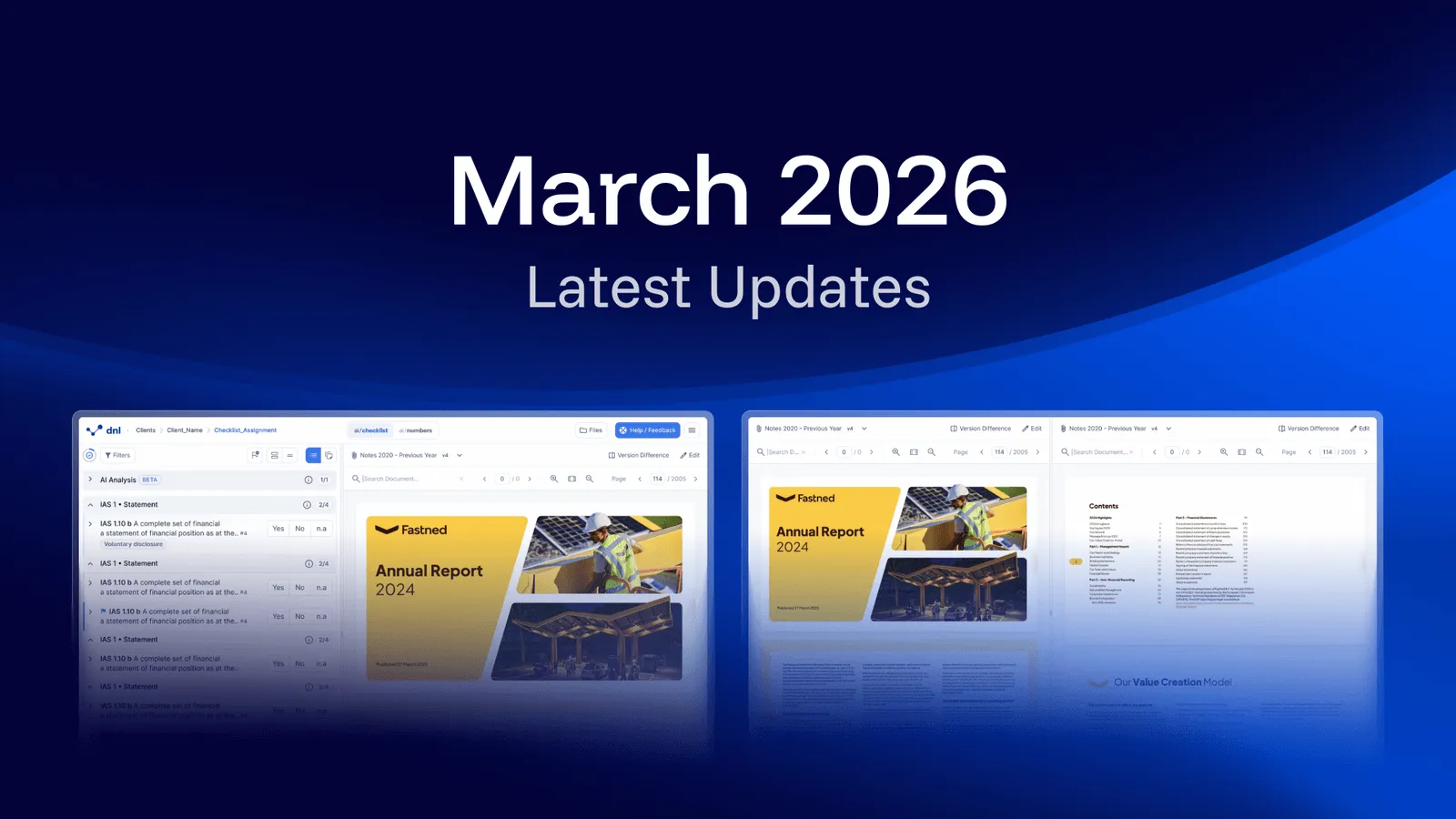
The March 2026 release covers three changes: roll forward in year two audits now returns far more answers without user input, documents can be opened in a separate browser window for multi-screen work, and the File Manager and the Help / Feedback button have moved next to the main menu.
Improved Roll Forward: More Automation in Year Two Audits
In year two audits, both fully automated answers and the agreement rate for AI generated proposals have improved significantly. Fully automated answers are the blue answers that do not require any user input. AI generated proposals are the yellow answers that require confirmation by the auditor.
Automated Answers (Blue Answers)
From 10 percent to 51.2 percent.
This equals a 5.12x improvement.
AI Proposals (Yellow Answers)
From 70 percent to 88.4 percent.
This equals a 1.26x improvement.
Work with documents across multiple screens
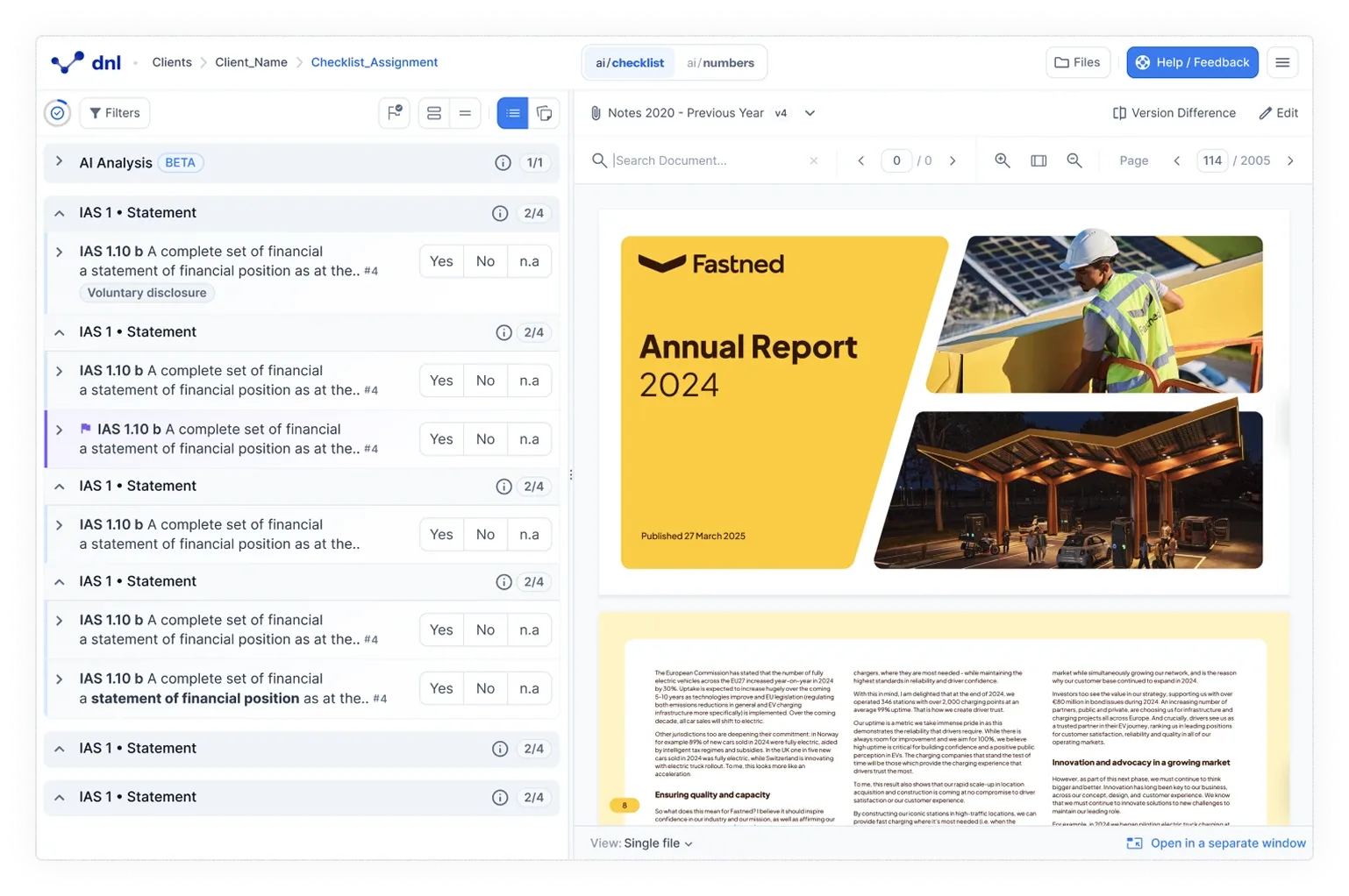
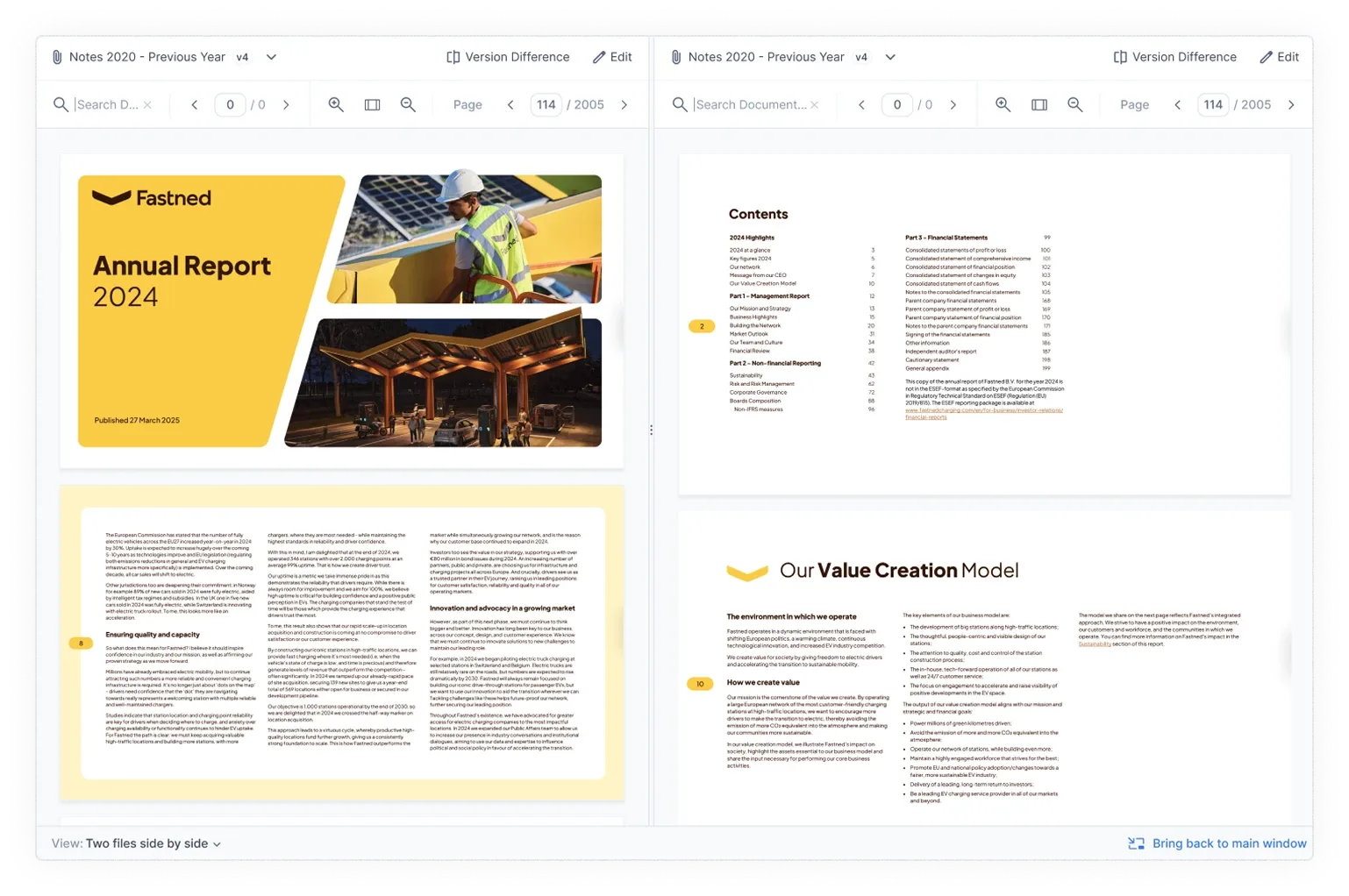
Documents can now be opened in a separate browser window. This enables true multi-screen workflows.
The document view can be detached and moved to another screen while all functionality stays available. References, numbers, evidence, and calculations continue to work as expected. Focus modes remain active in both windows.
New location for File Manager and Help / Feedback
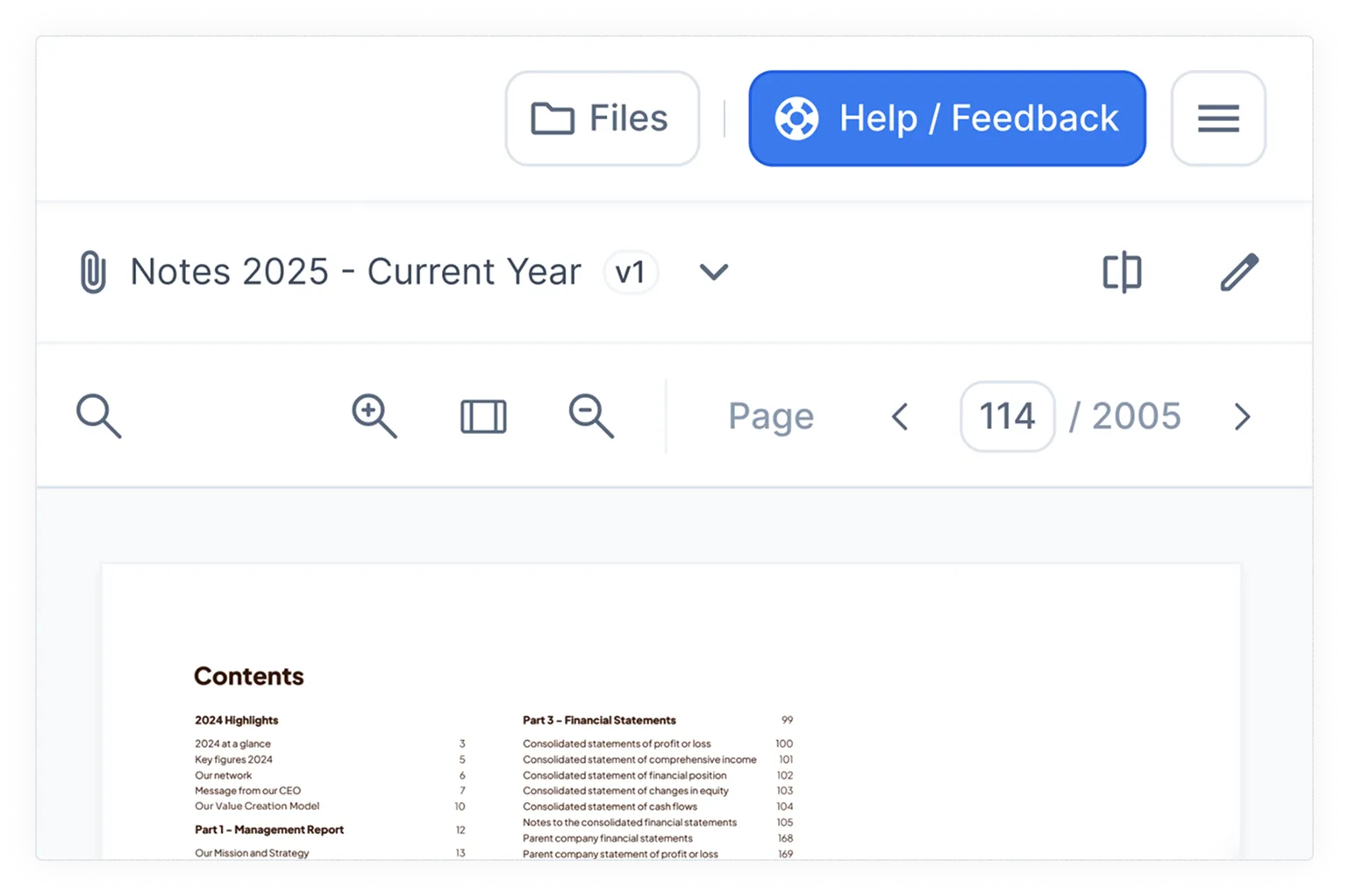
The File Manager and the Help / Feedback button are now located next to each other in the top right corner, beside the main menu. This ensures faster and more direct access to files and support while keeping the document view focused during daily work.
Which products does this release cover?
The release note is tagged for ai/checklist and ai/numbers. Earlier monthly release notes are collected in the resource center.