Latest Updates - May 2026
· Andreas Schindler, CEO | dnl.ai
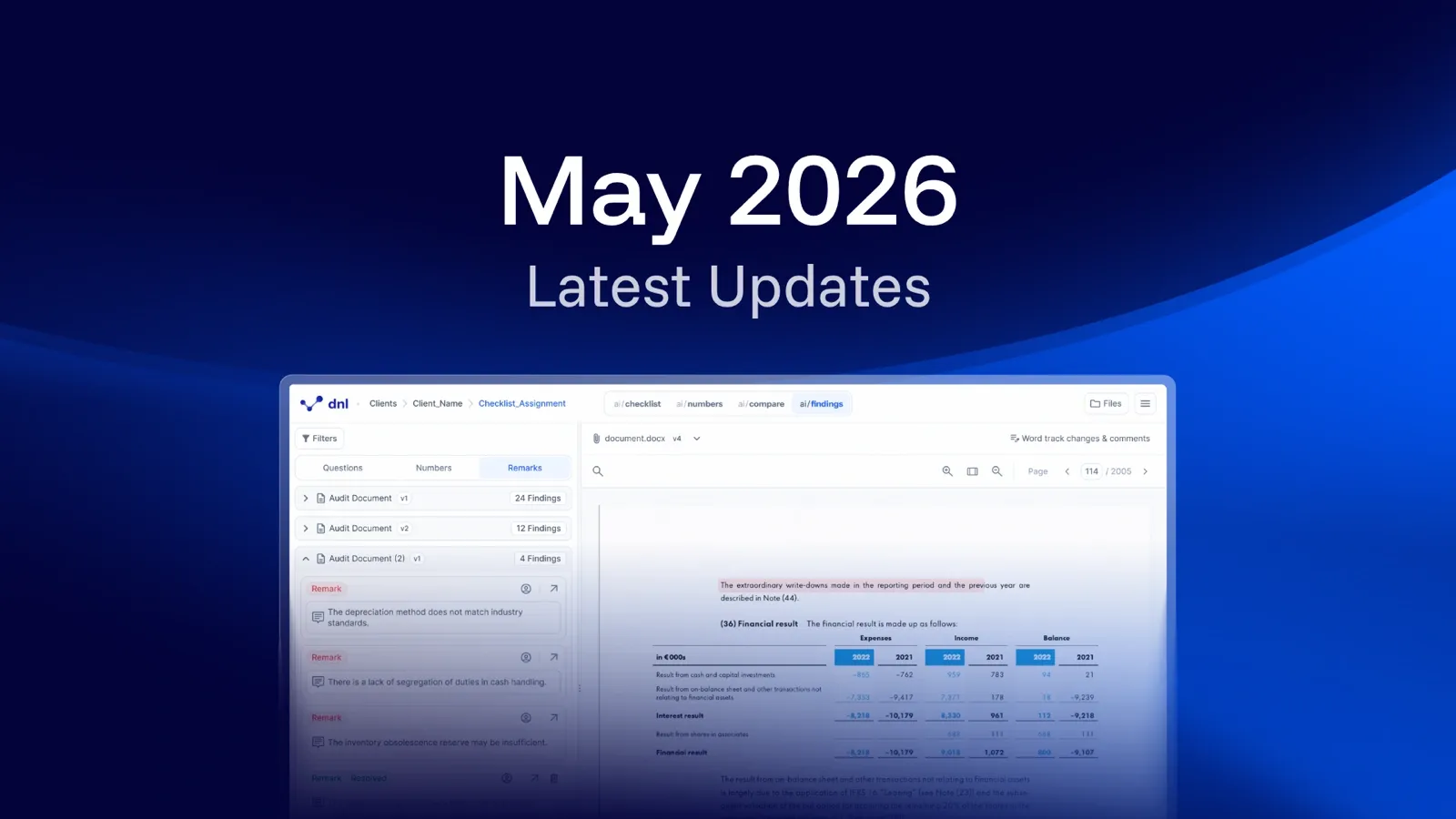
The May 2026 release covers four changes: figures and references can now be reviewed through smart selection menus opened directly in the document, an assignment can be restored to an earlier snapshot, and references, figures, evidence and calculation terms carry forward more reliably when a new document version is uploaded.
This month we’re introducing smarter reference menus, improved review process for ai/numbers, and the time machine, which allows you to restore assignments to earlier snapshots when you need to recover past versions.
Smart figure selection menus (ai/numbers)
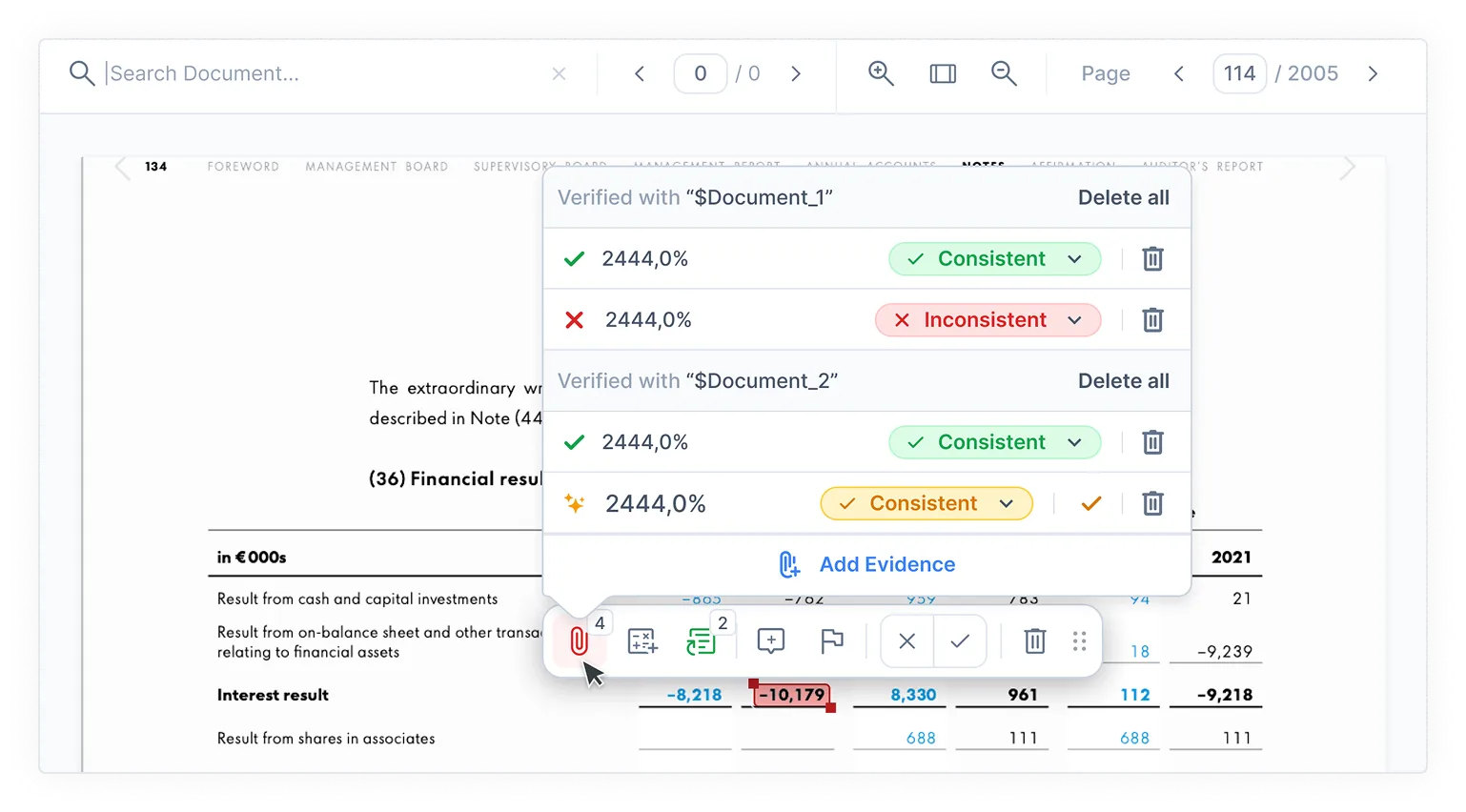
Working with figures in the document is now faster and more direct. When you click a figure, a smart selection menu opens so you can review and act on it in context.
You can check, comment on, flag, delete, and review figures for consistency directly where you are working. You can also select and manage multiple figures at once without switching to the numbers area.
Smart reference selection menus (ai/checklist)
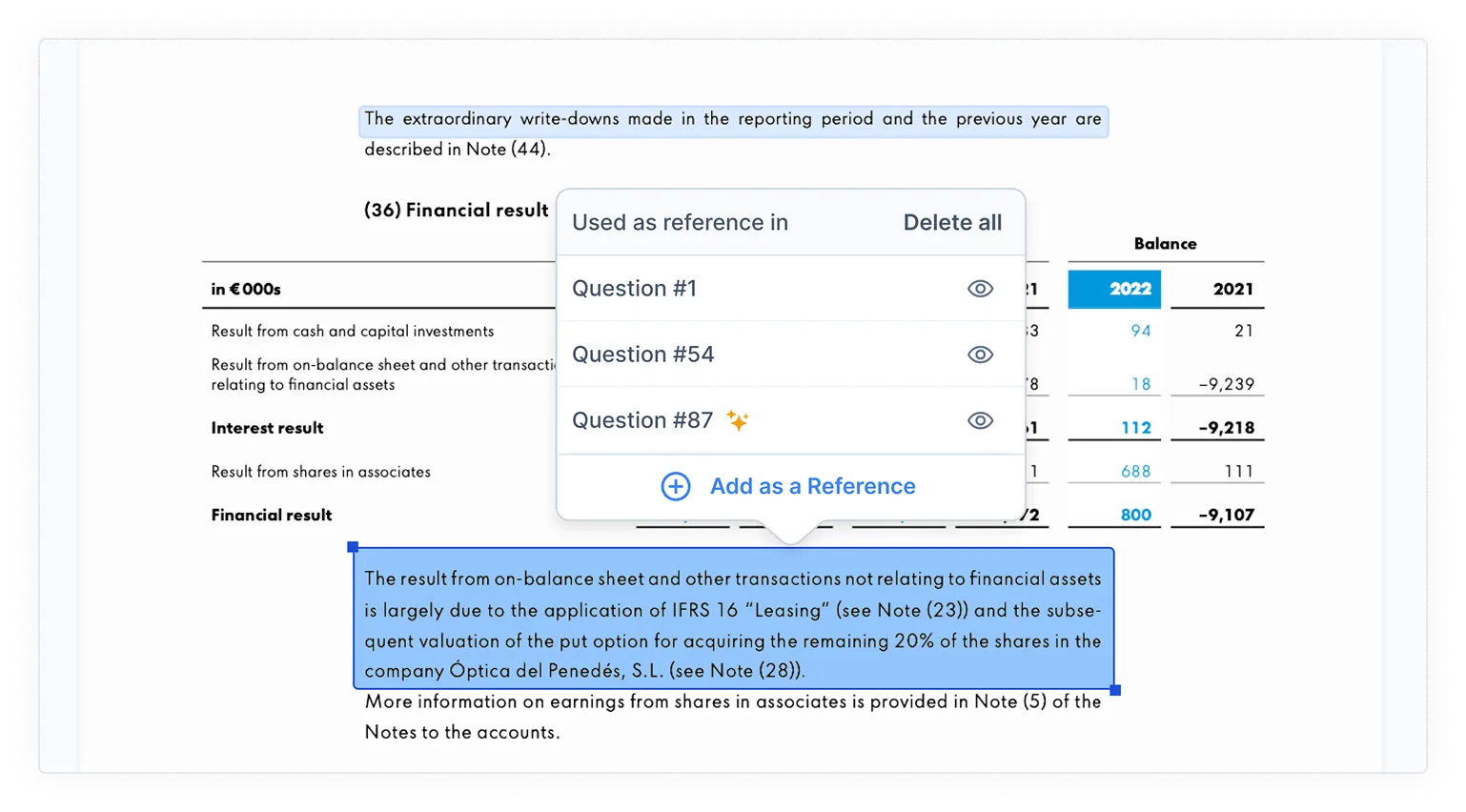
Working with references in the document is now more direct. When you click a reference, a smart selection menu opens in context so you can immediately see linked questions, including which ones were proposed by AI.
You can also remove the reference from all linked questions at once directly in the document, without switching back to the checklist area.
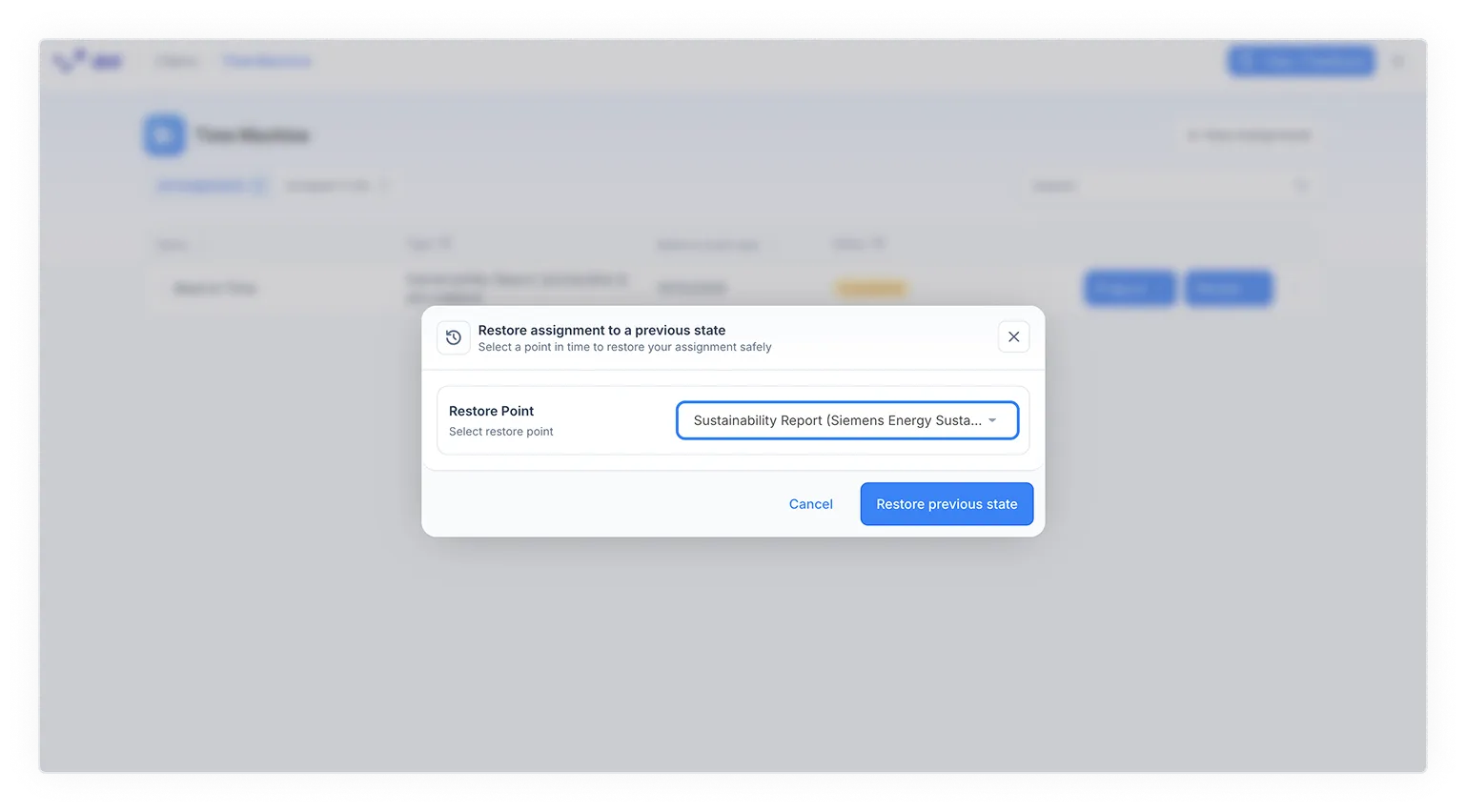
Assignment Time Machine (ai/checklist & ai/numbers)
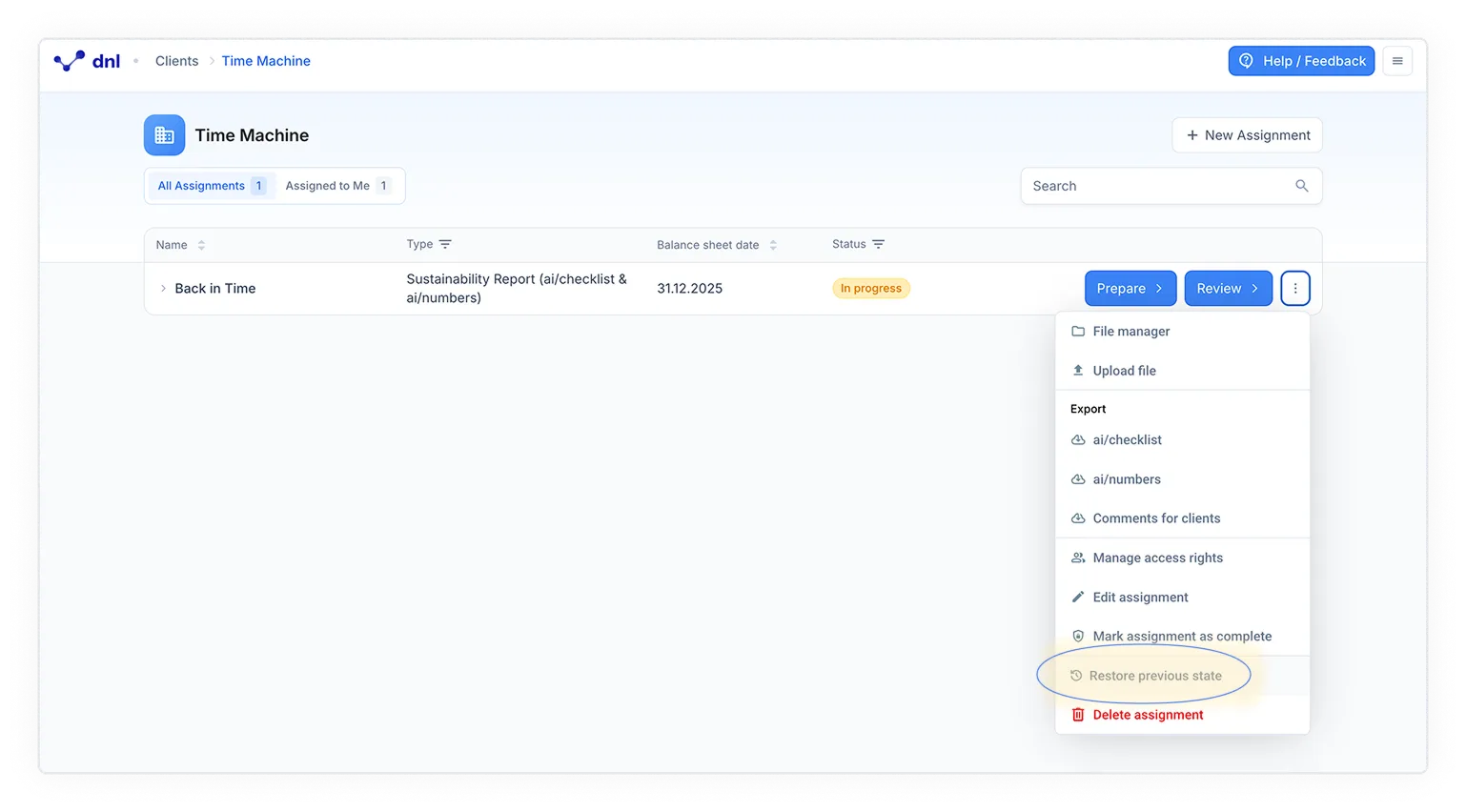
You can now restore an assignment to an earlier snapshot whenever you need to recover work.
Clear confirmation steps help you avoid unintended changes, giving you a controlled way to recover work and continue your audit without unnecessary disruption.
More reliable carry-forward after new version uploads (ai/checklist & ai/numbers)
We have improved how references, figures, evidence, and calculation terms are carried forward when you upload a new document version.
This reduces unnecessary lost items and false new proposals, so you spend less time on manual cleanup after version updates.
Which products does this release cover?
The release note is tagged for ai/checklist and ai/numbers. Earlier monthly release notes are collected in the resource center.