Latest Updates - October 2025
· Andreas Schindler, CEO | dnl.ai
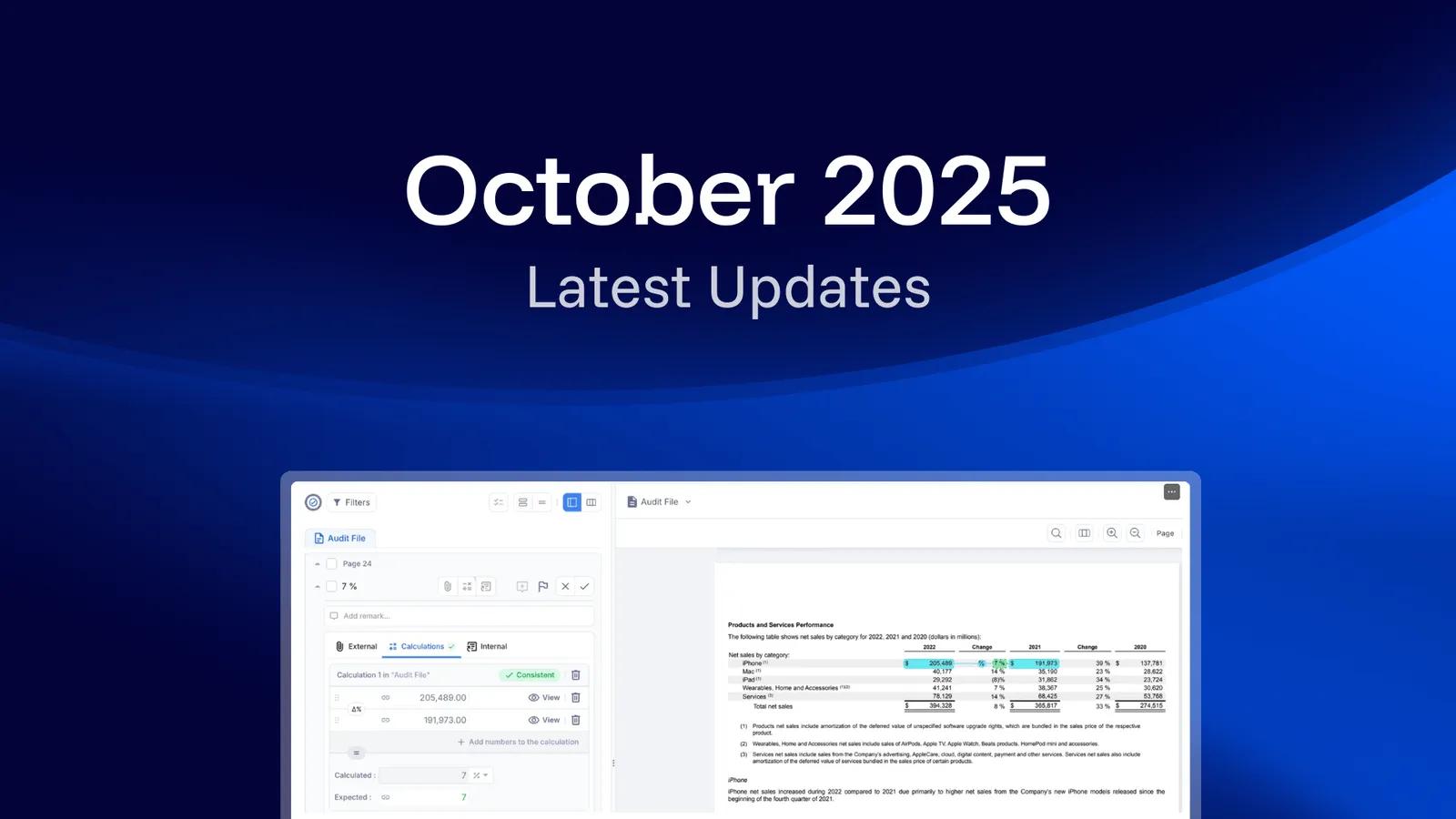
The October 2025 release adds three things to the dnl workspace: Excel files can now be uploaded as supporting documents and matched against the audit file, a new change-in-percent (Δ%) operator detects percentage changes in calculations, and the filter panel was redesigned to show how many items sit behind each filter.
Upload Excel Sheets, Improved Filters, and Expanded Calculation Features
The features improvements we’ve implemented will boost your audit even more. Calculations are now more flexible, filters more intuitive, and Excel files can be directly integrated as supporting documents.
What’s New?
Excel Uploads as Supporting Documents
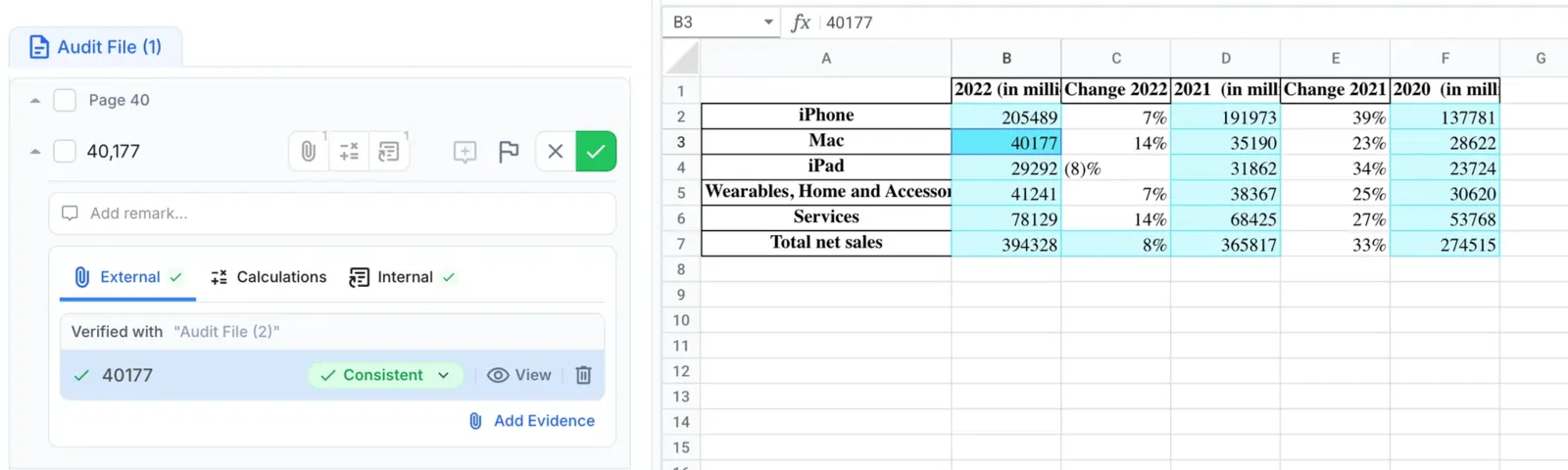
Users can now upload Excel files (including those with multiple sheets) as supporting documents. The AI automatically identifies external evidence within these spreadsheets, matches it to the audit file in ai/numbers, and checks whether numbers are correct compared to the Excel file. Support for adding references on Excel files in ai/checklist for disclosure requirements and uploading updated versions will be available soon.
New Operator: Change in Percent (Δ%)
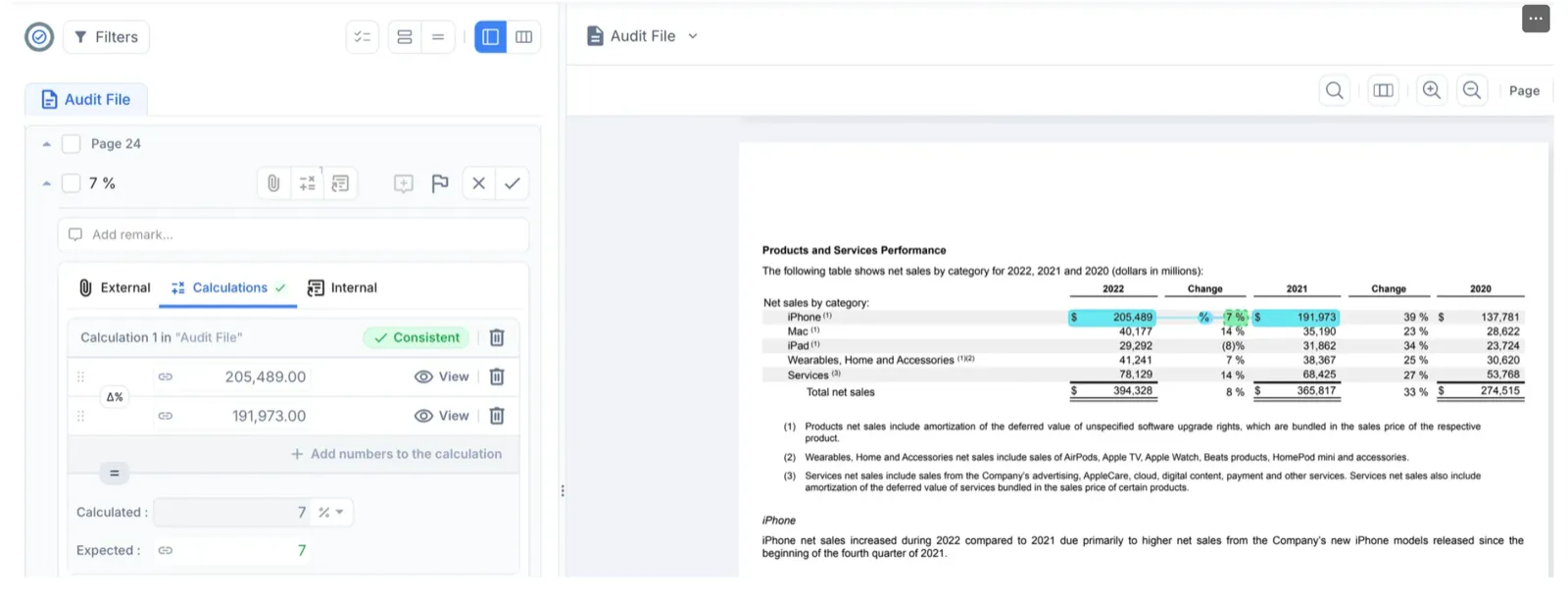
Within ai/numbers, the AI now detects percentage changes with the new Δ% operator. Users can also manually verify calculations and choose to display results as decimals or formatted percentages when comparing with expected values.
Improved Filter Options
The filter experience got a new design in ai/numbers and ai/checklist with a clearer display showing item counts per filter. New options allow filtering AI suggestions by proposed answer type.
These release notes apply to ai/checklist and ai/numbers. Earlier and later monthly release notes are collected in the resource center.