Latest Updates - September 2025
· Andreas Schindler, CEO | dnl.ai
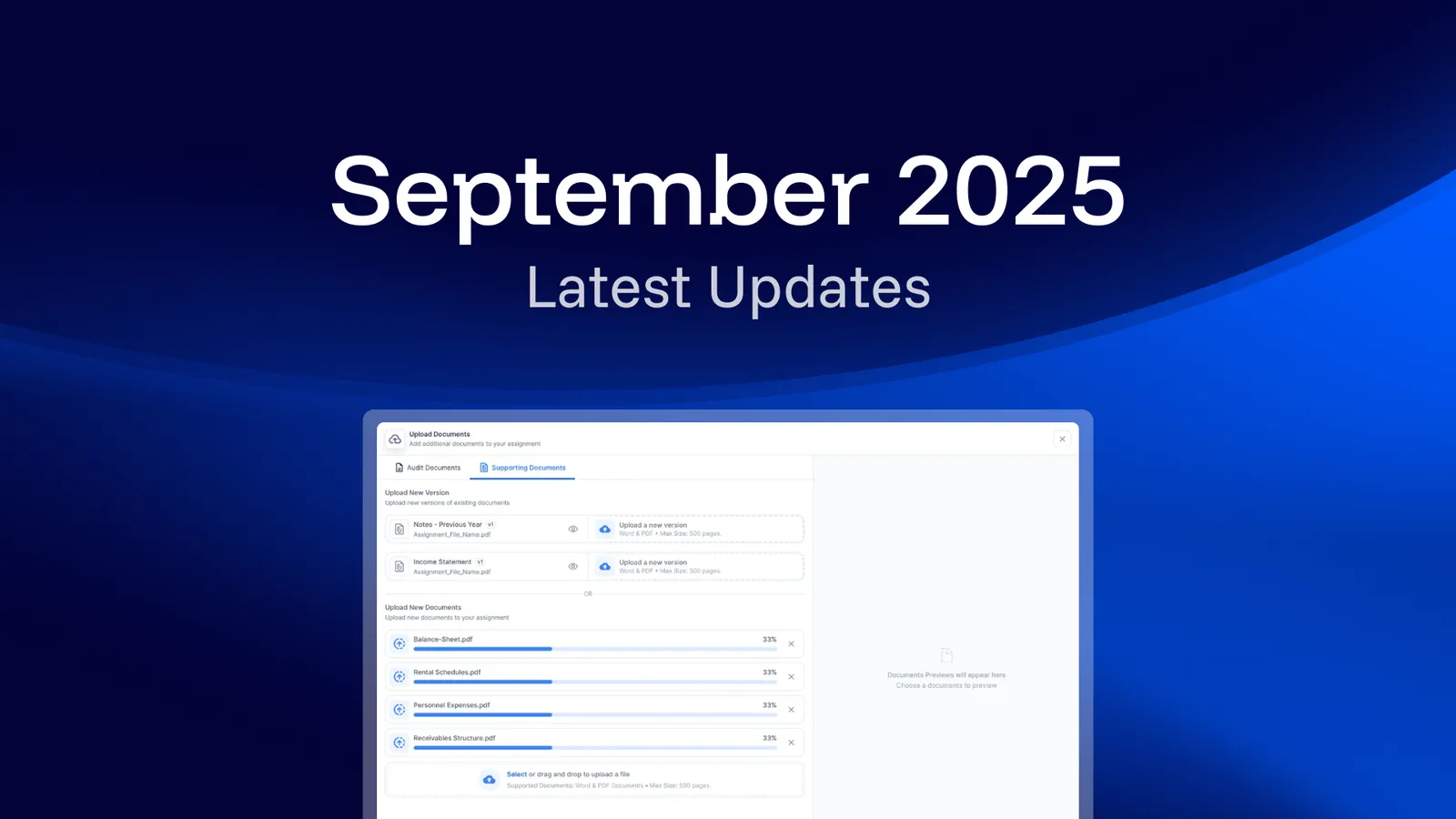
The September 2025 release adds three document-handling features: uploading multiple files at once, a redesigned File Manager, and a searchable dropdown that keeps large document sets navigable.
More Speed and Flexibility in Your Audit Process
We’ve introduced new features to improve and facilitate working with documents, making the audit process more reliable, intuitive and better connected to your existing workflows.
What’s New?
Upload Multiple Files at Once
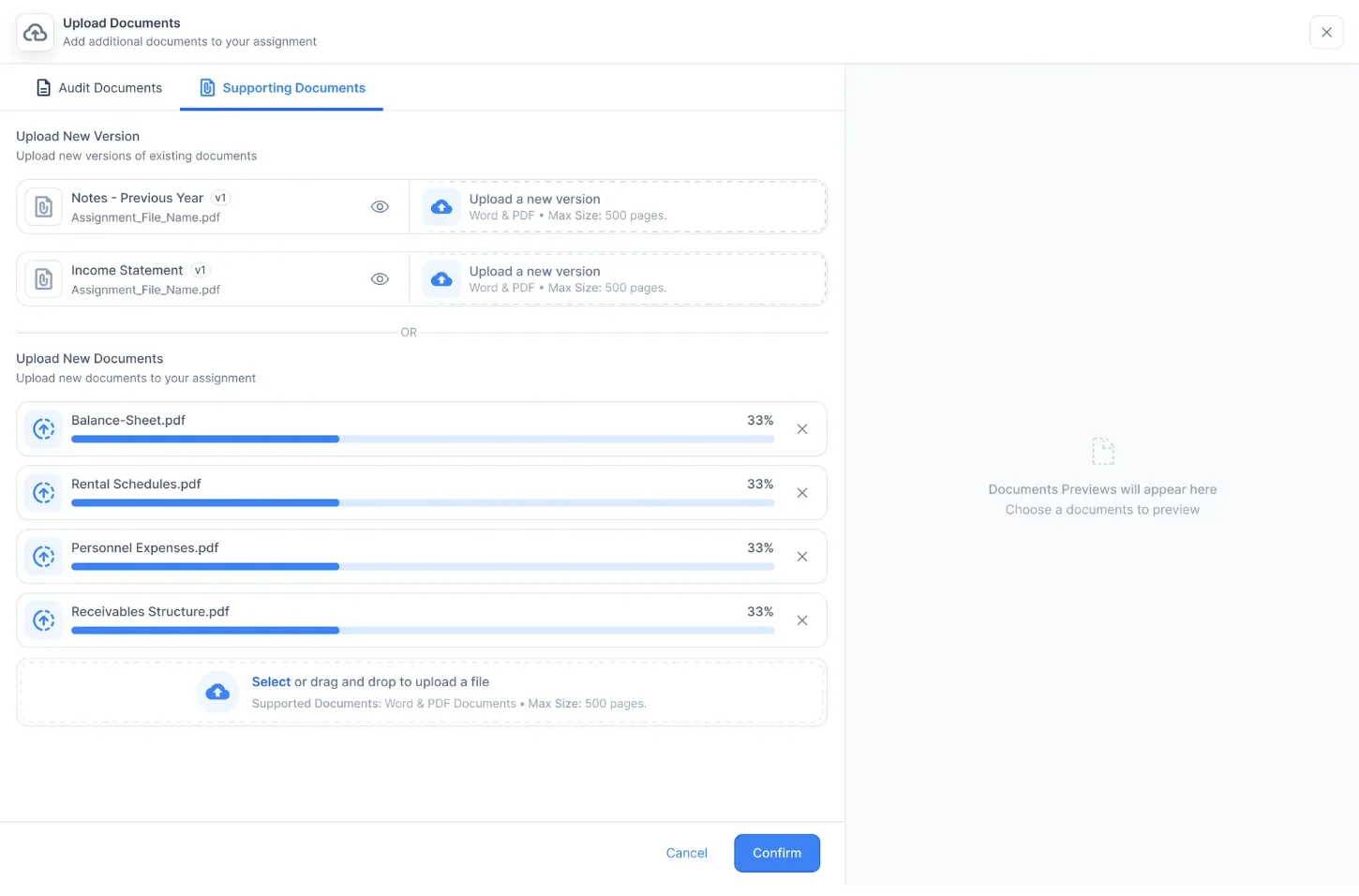
Users can upload multiple documents at once, streamlining the setup process. Once uploaded, the AI processes all files together. The upload interface is also more intuitive: existing versions are now clearly visible, and new versions can be added via drag & drop — both for audit files and supporting documents.
More Intuitive File Manager
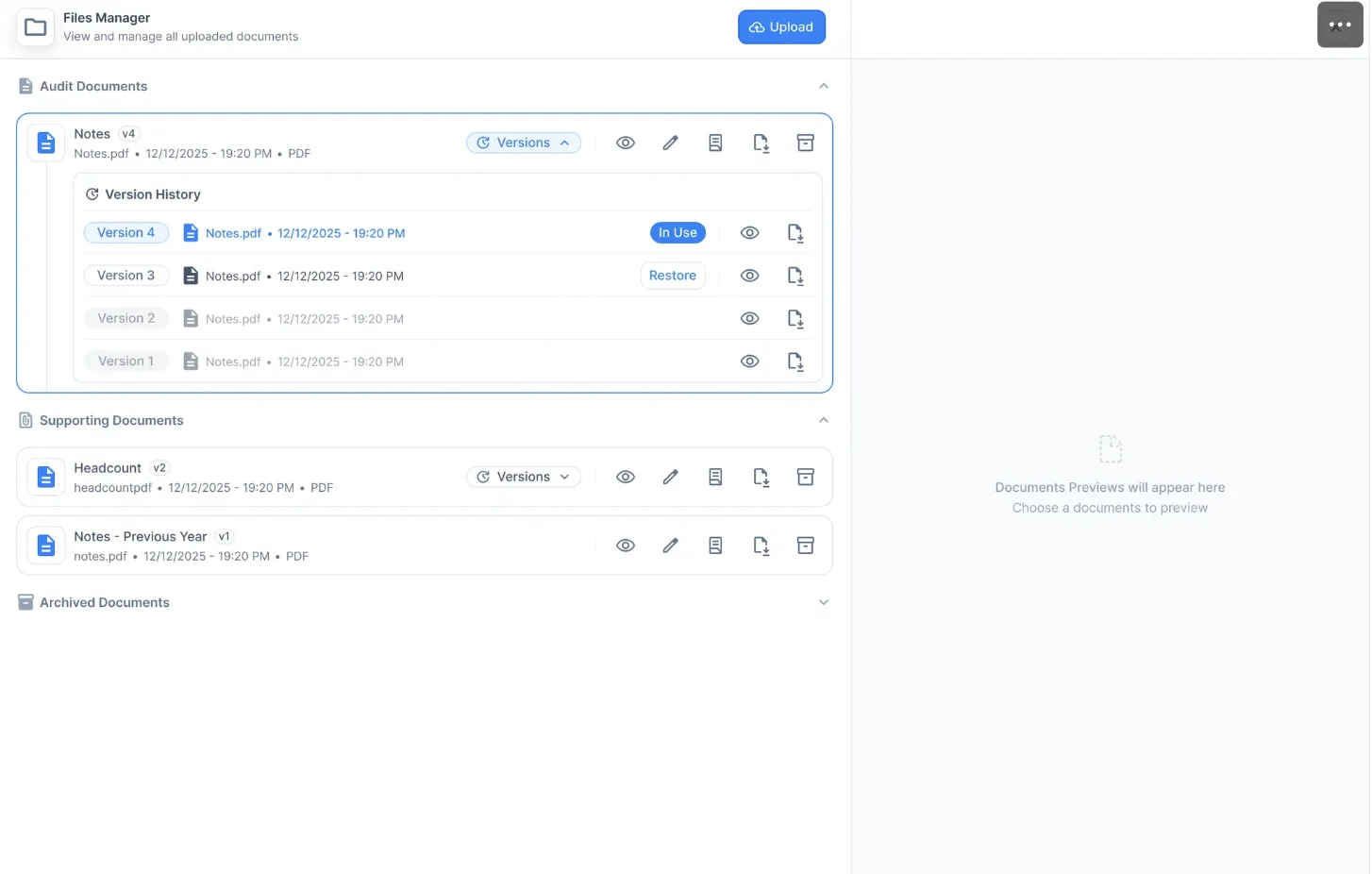
The File Manager gets a redesign to make navigation and interaction easier — while keeping all existing functionality. Versions are grouped more clearly, Audit and Supporting Documents are clearly separated, and archived files get their own section. Viewing and editing actions become more intuitive, and all documents can be downloaded directly.
Improved Overview for Large Document Sets
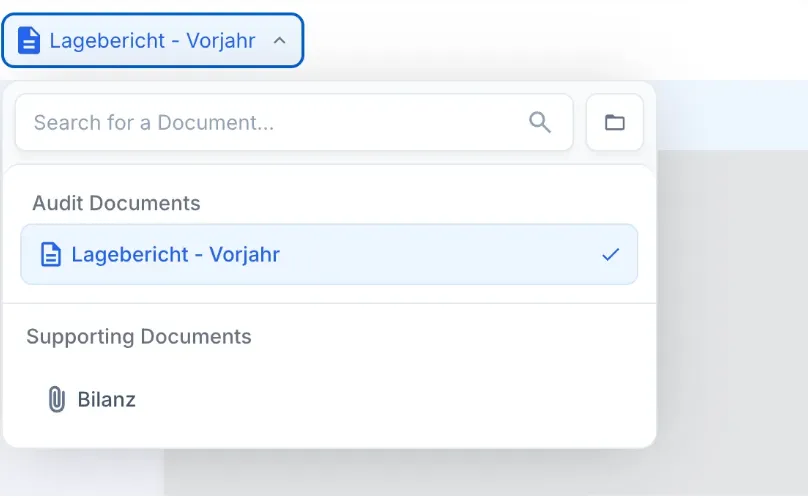
Managing large numbers of documents during an audit is now easier. Document names remain visible, while unopened documents are moved into a searchable dropdown.
These release notes apply to ai/checklist and ai/numbers. Earlier and later monthly release notes are collected in the resource center.